Tour
See it in action
Captured from the real dashboard driving the bot's test harness - the same UI you get in the desktop app or the browser.
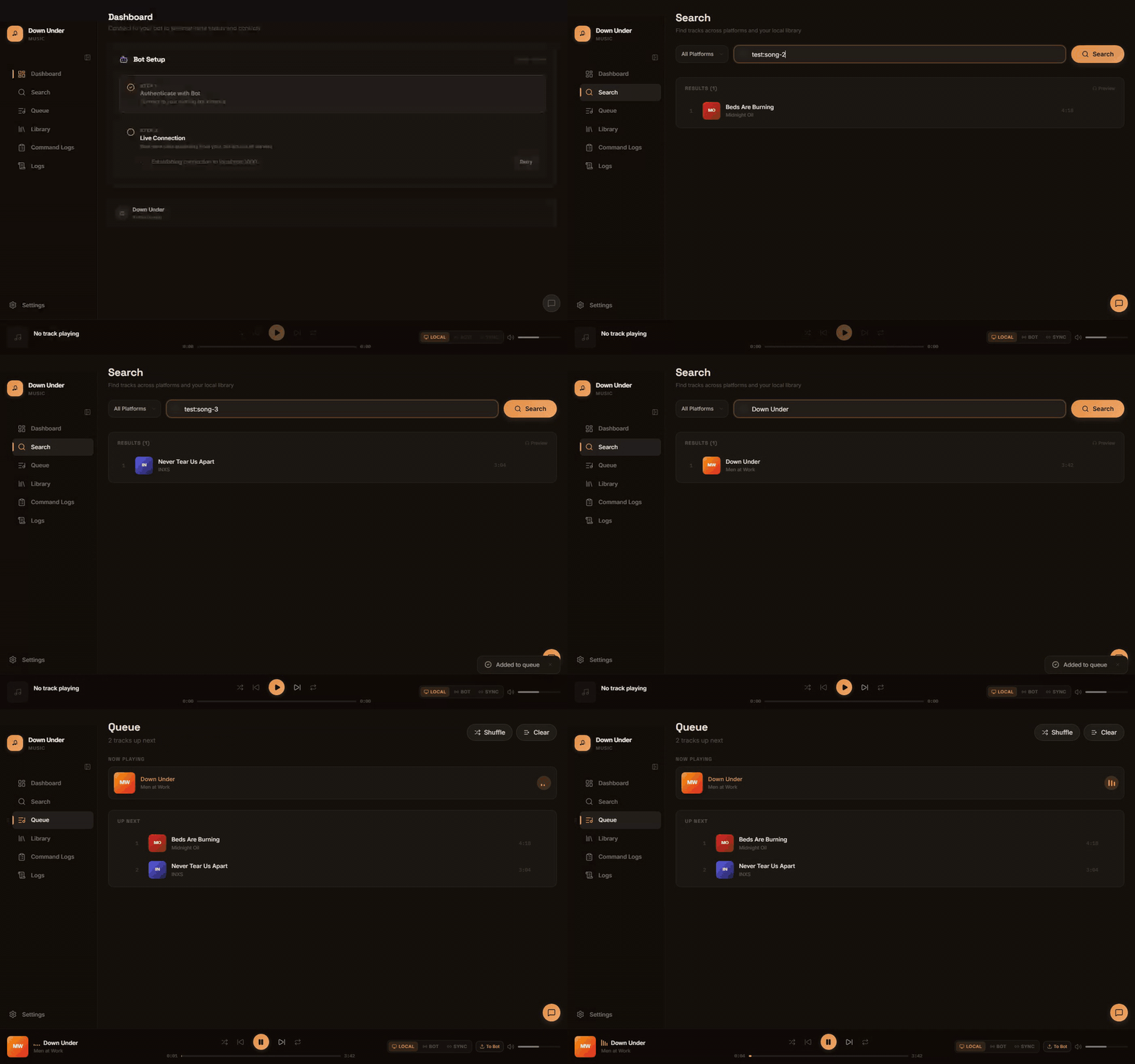
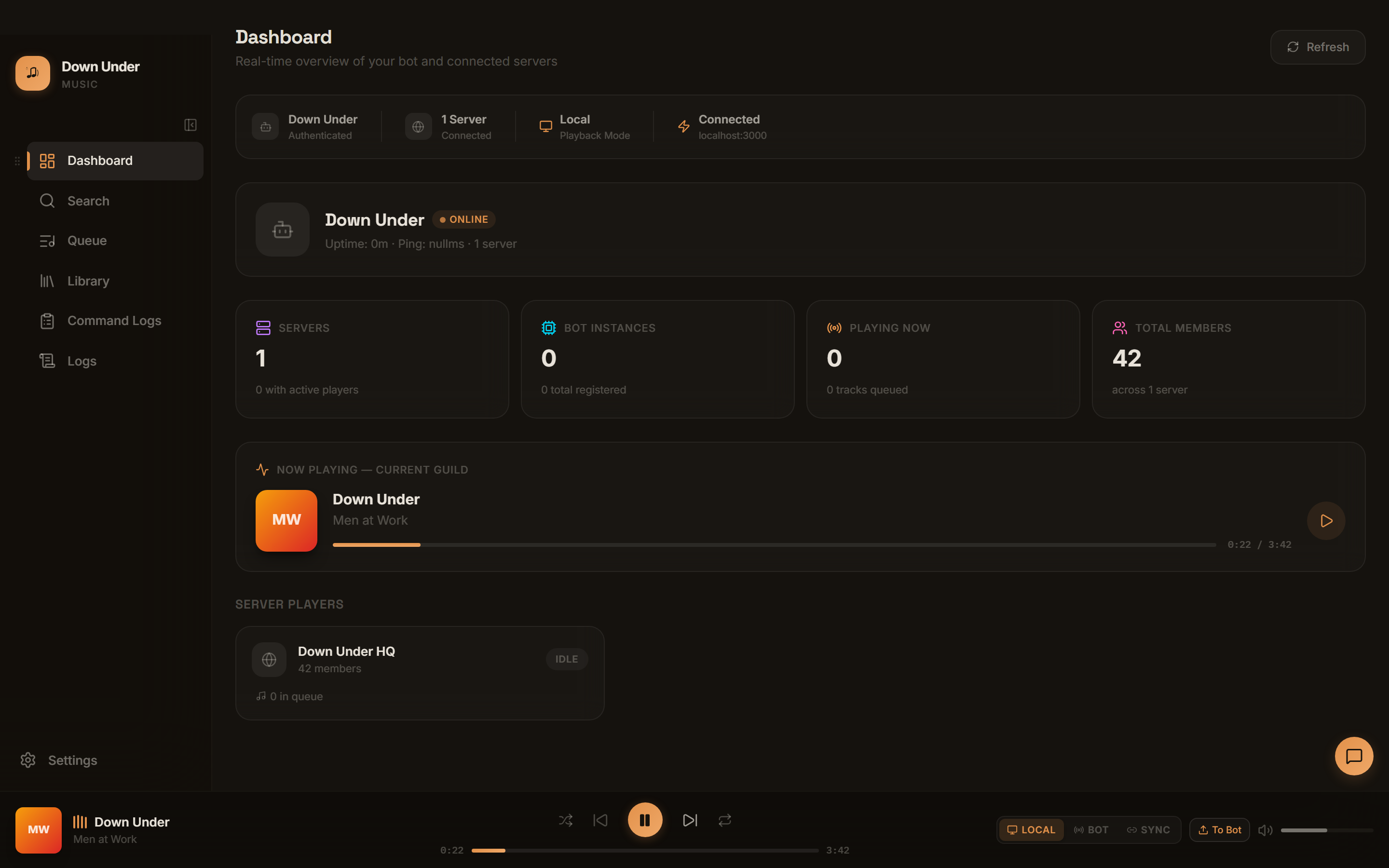
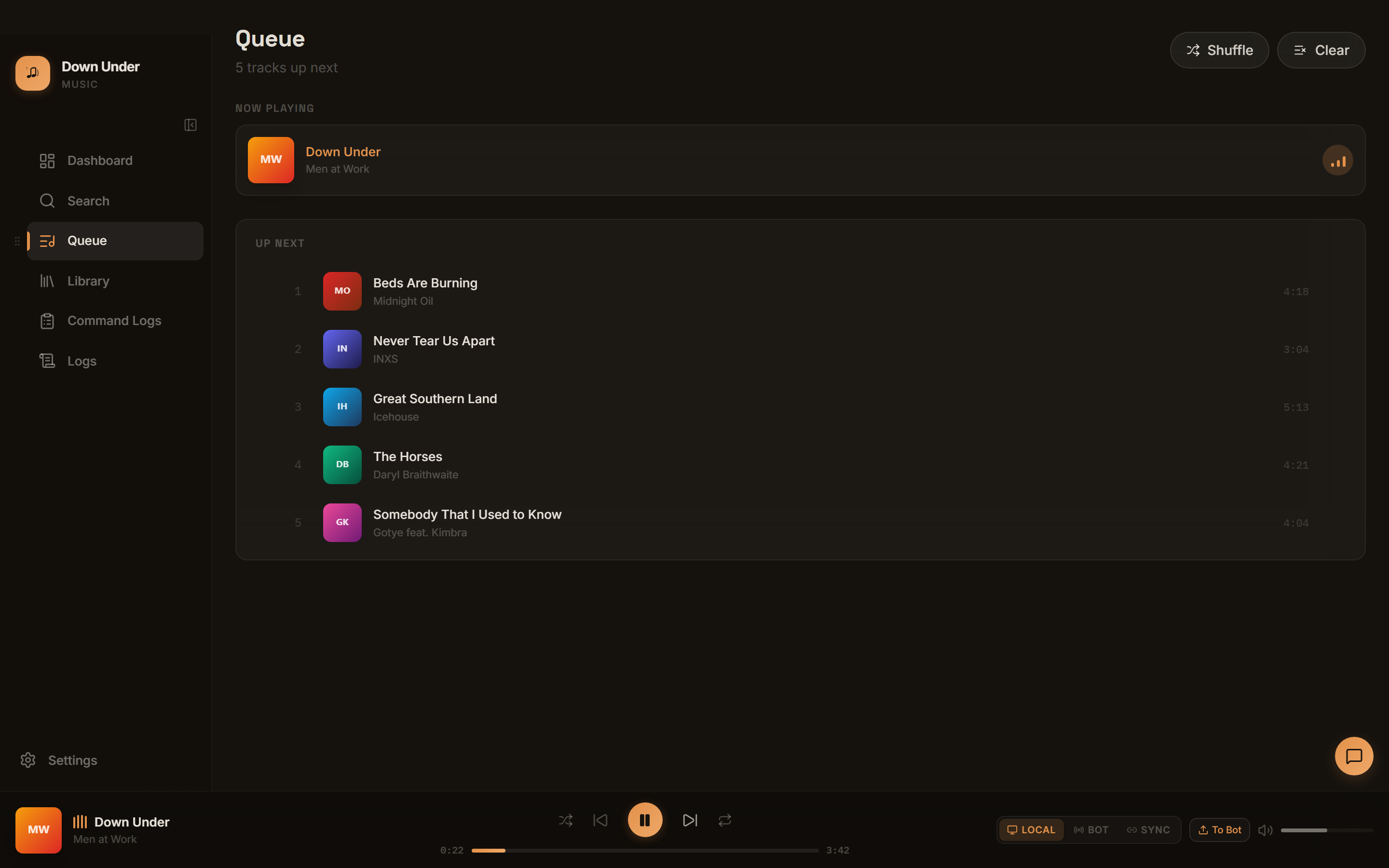
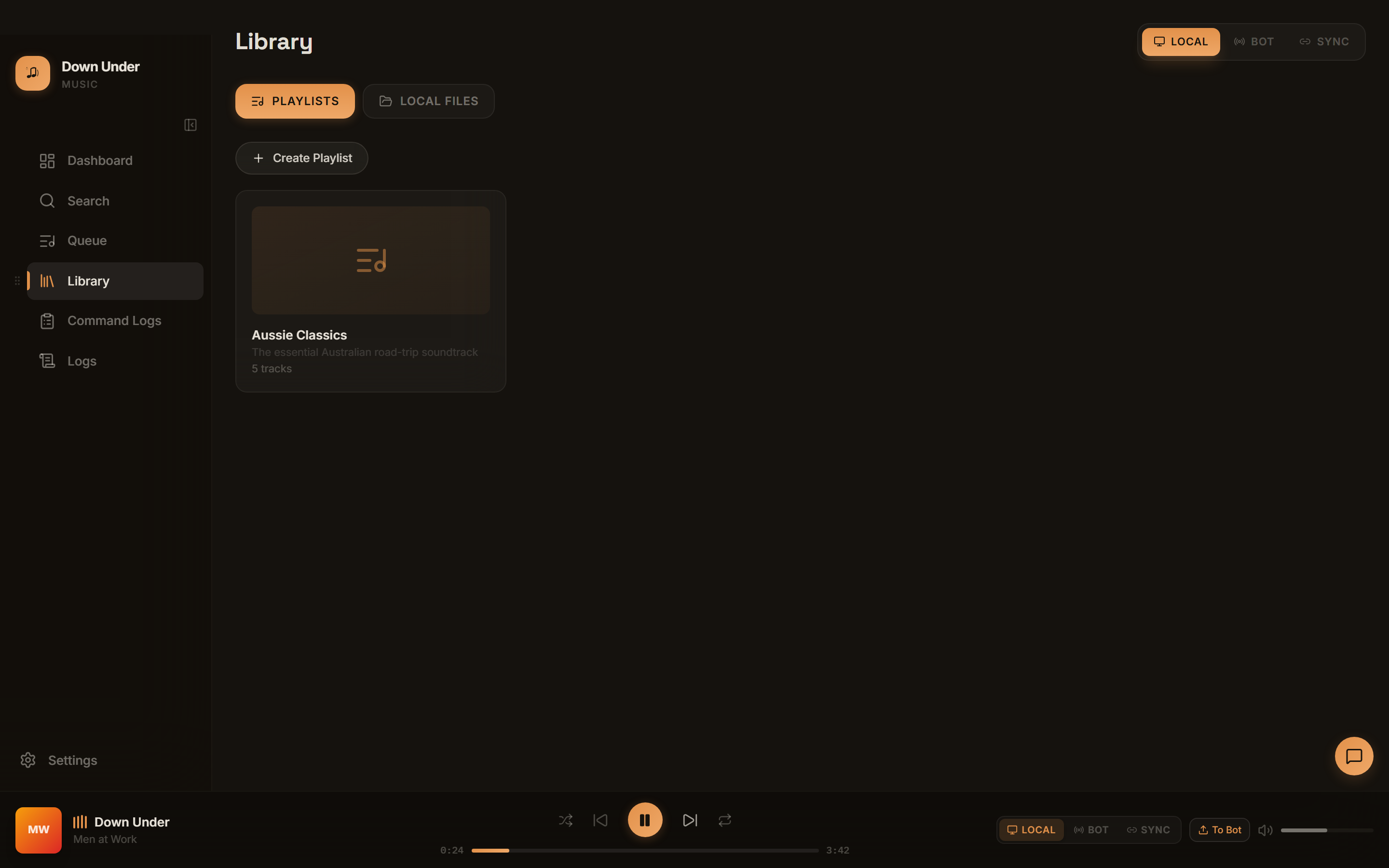
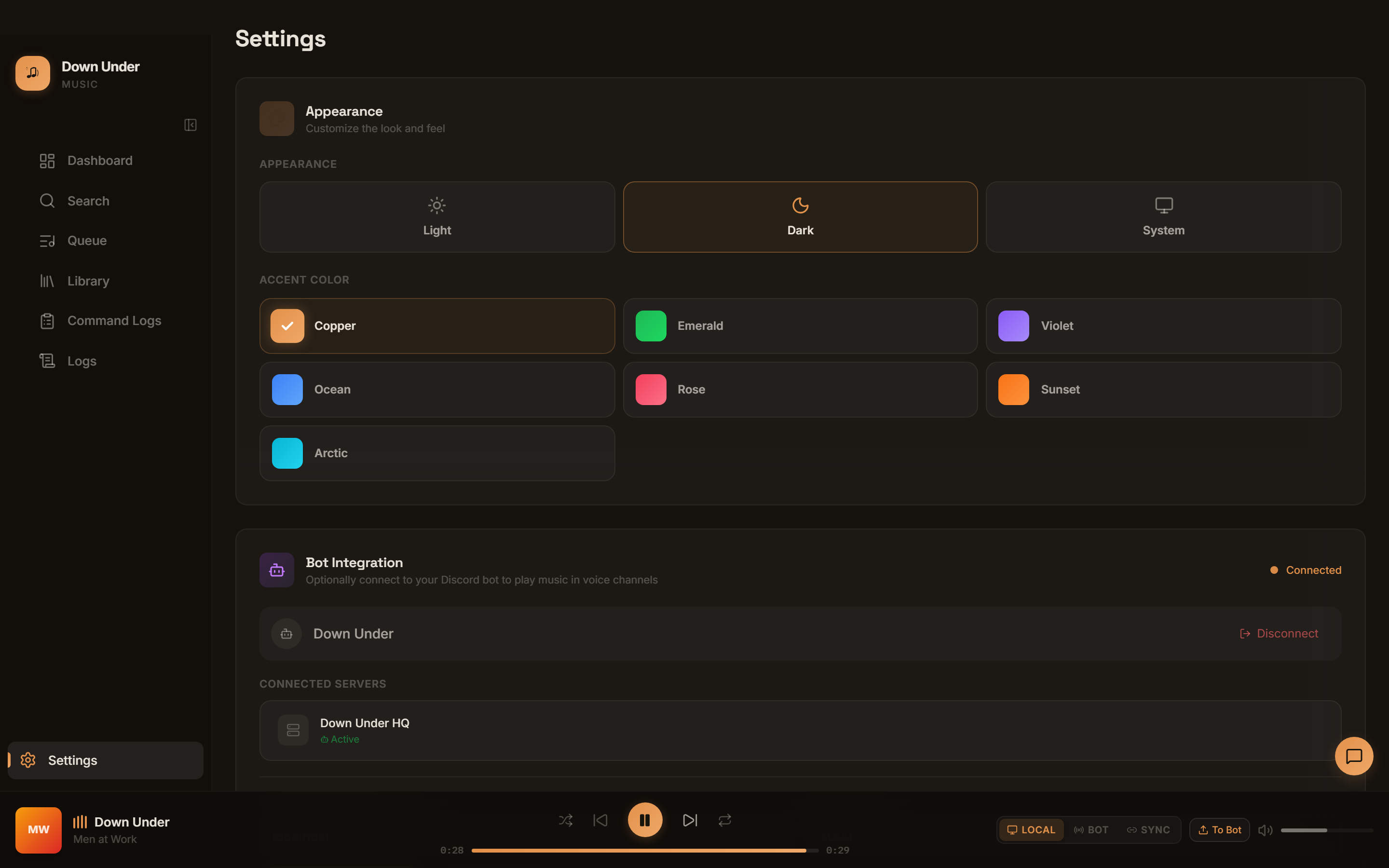
Down Under Music plays YouTube, Spotify, SoundCloud, and local files in your server, and gives you a proper control surface for it - queue, playlists, search, live status - as a desktop app or a plain browser tab, running against a bot you host yourself.
Local, Bot, and Sync playback modes cover solo listening, server playback, and both at once.
YouTube, Spotify (bridged to a matching YouTube stream), SoundCloud, and your own local files.
Full playback control, playlists, search, history, and queue management, right in Discord.
WebSocket-backed UI stays in sync with the bot - now playing, queue, server status, command log.
Play through your own speakers, through the bot's Discord voice connection, or both simultaneously.
The same dashboard runs as a native Tauri app or a plain page - like the one you're about to open.
SQLite-backed playlists, history, and command log, stored on infrastructure you control.
Captured from the real dashboard driving the bot's test harness - the same UI you get in the desktop app or the browser.
This page is only the dashboard's UI. You need a running bot instance to actually connect to.
Clone the repo, install dependencies, and start it - locally or on a server you control.
git clone https://github.com/ChristopherVR/DownUnderDiscordBot.git && pnpm install &&
                pnpm db:push && pnpm dev
Use the hosted dashboard above, or run it locally with
pnpm dev:desktop.
Enter your bot's host and port when asked. That's it - everything else happens in your browser.
This page contains no bot, no database, and no credentials of any kind - it's a static build of the
dashboard's UI, the same one described in
docs/desktop.md. It talks directly from your browser to whatever bot host/port you enter, and nobody else can see that
connection. If your bot only listens on localhost, a browser may block the request from this
HTTPS page to plain HTTP - in that case, run the dashboard locally instead (pnpm dev:desktop
or pnpm --filter discord-bot-desktop dev:web).