Install & manage KOTOR mods
without the busywork.
A one-click downloader, installer, and full mod manager for Star Wars: Knights of the Old Republic 1 & 2. It follows the recommended community build, installs TSLPatcher mods headlessly, and lets you enable, disable, and resolve conflicts - all from a single app.
One self-contained .exe · no Python/Node/installer needed · auto-update check
What it looks like
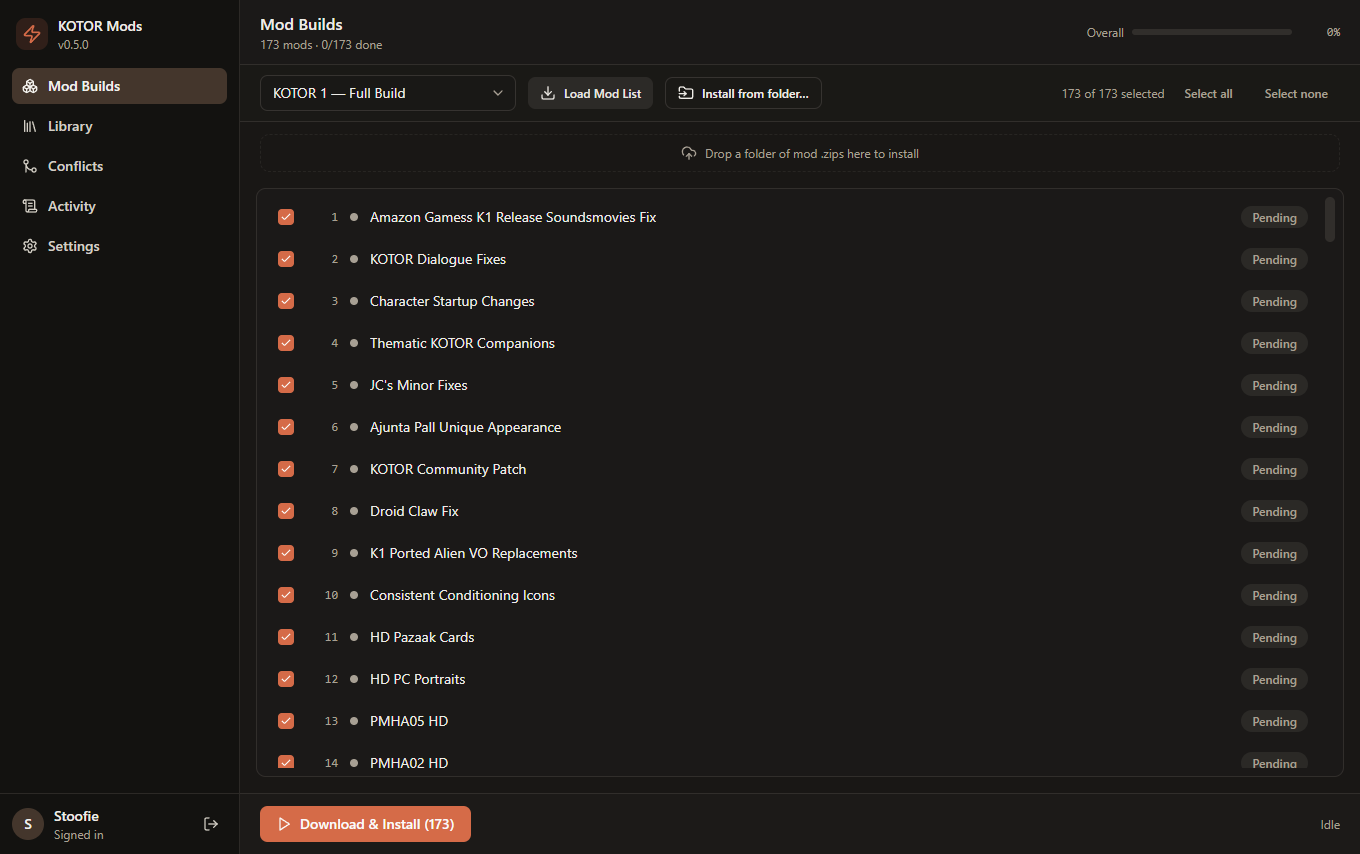
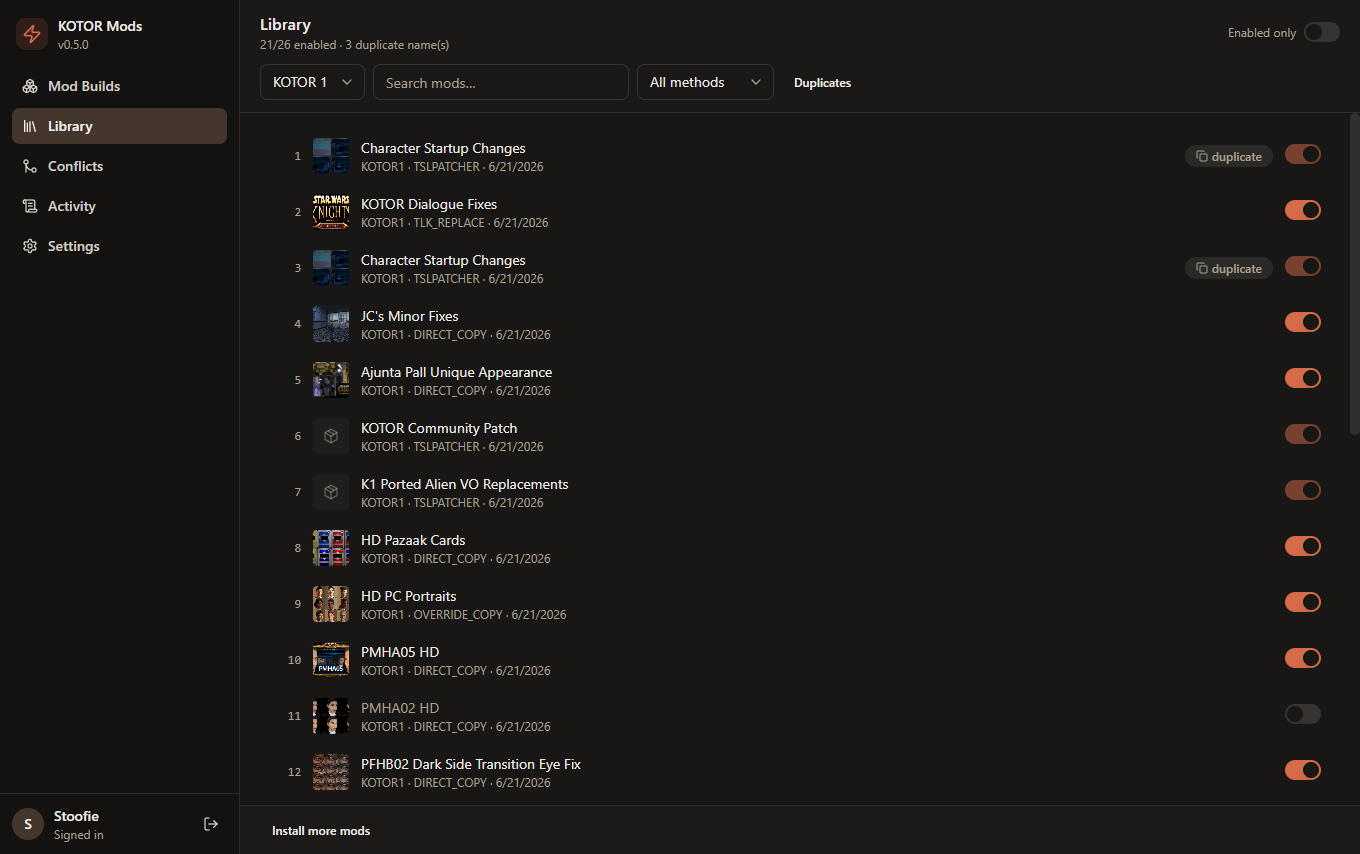
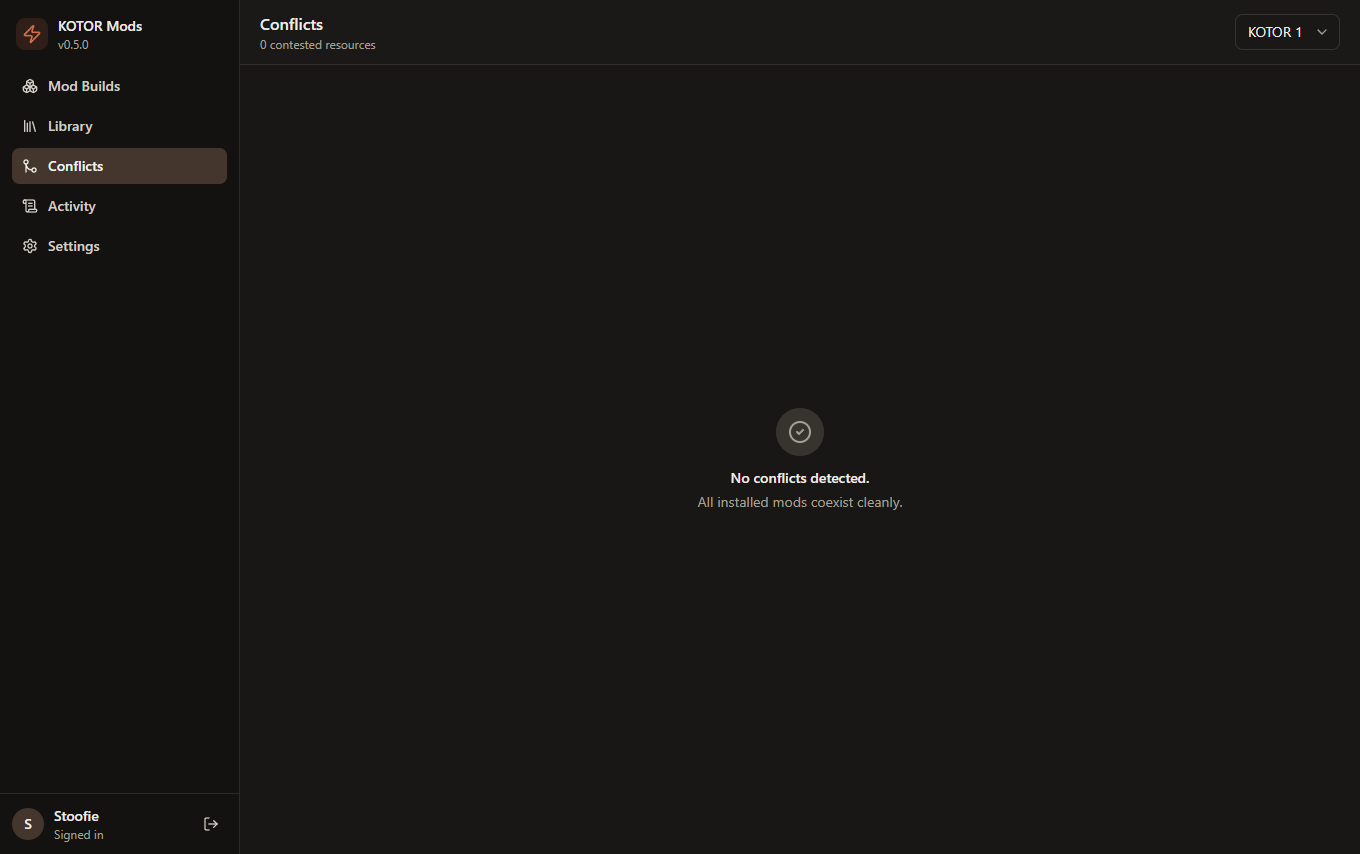
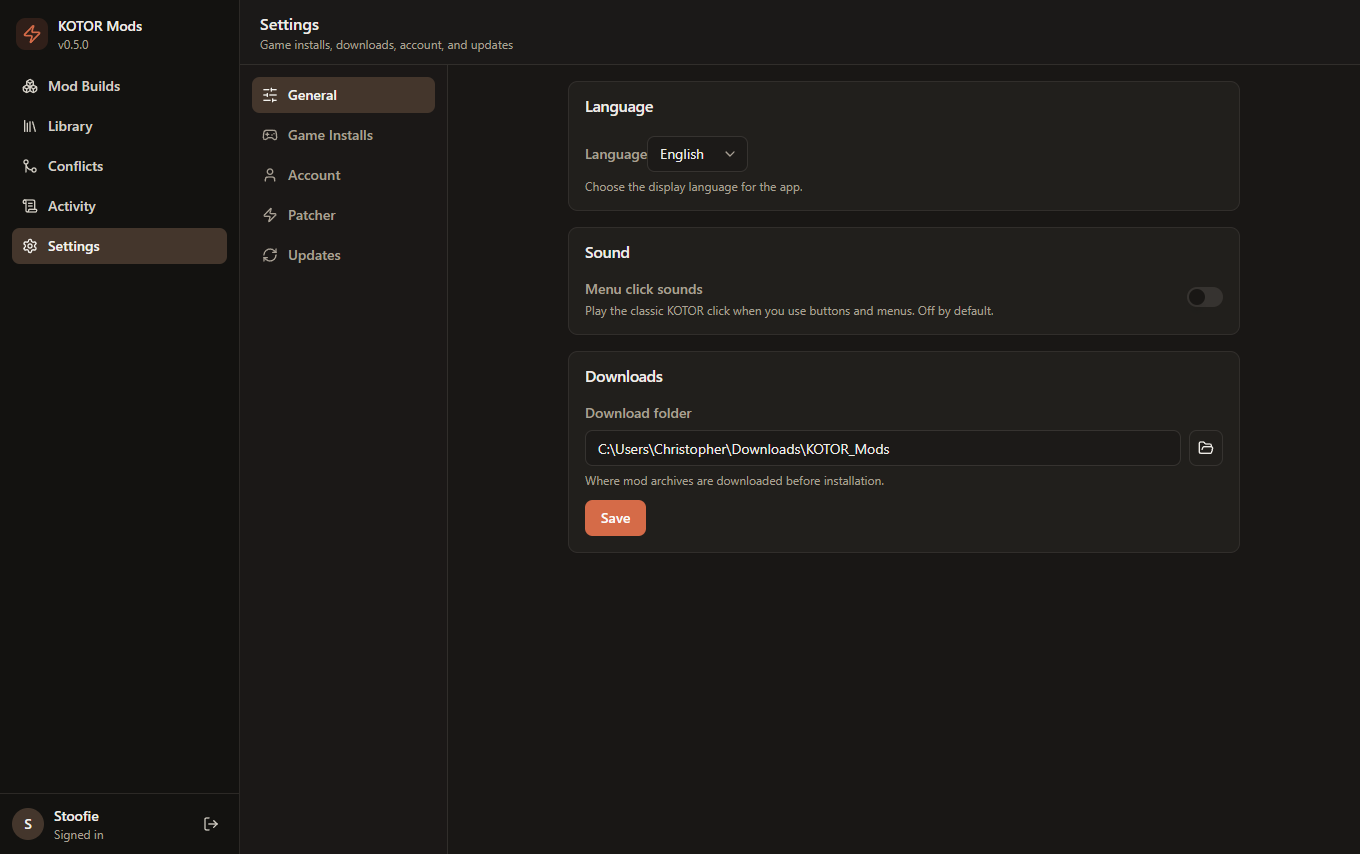
A clean, Claude-desktop-style interface with a sidebar for each part of the workflow. Click any screenshot to enlarge it.
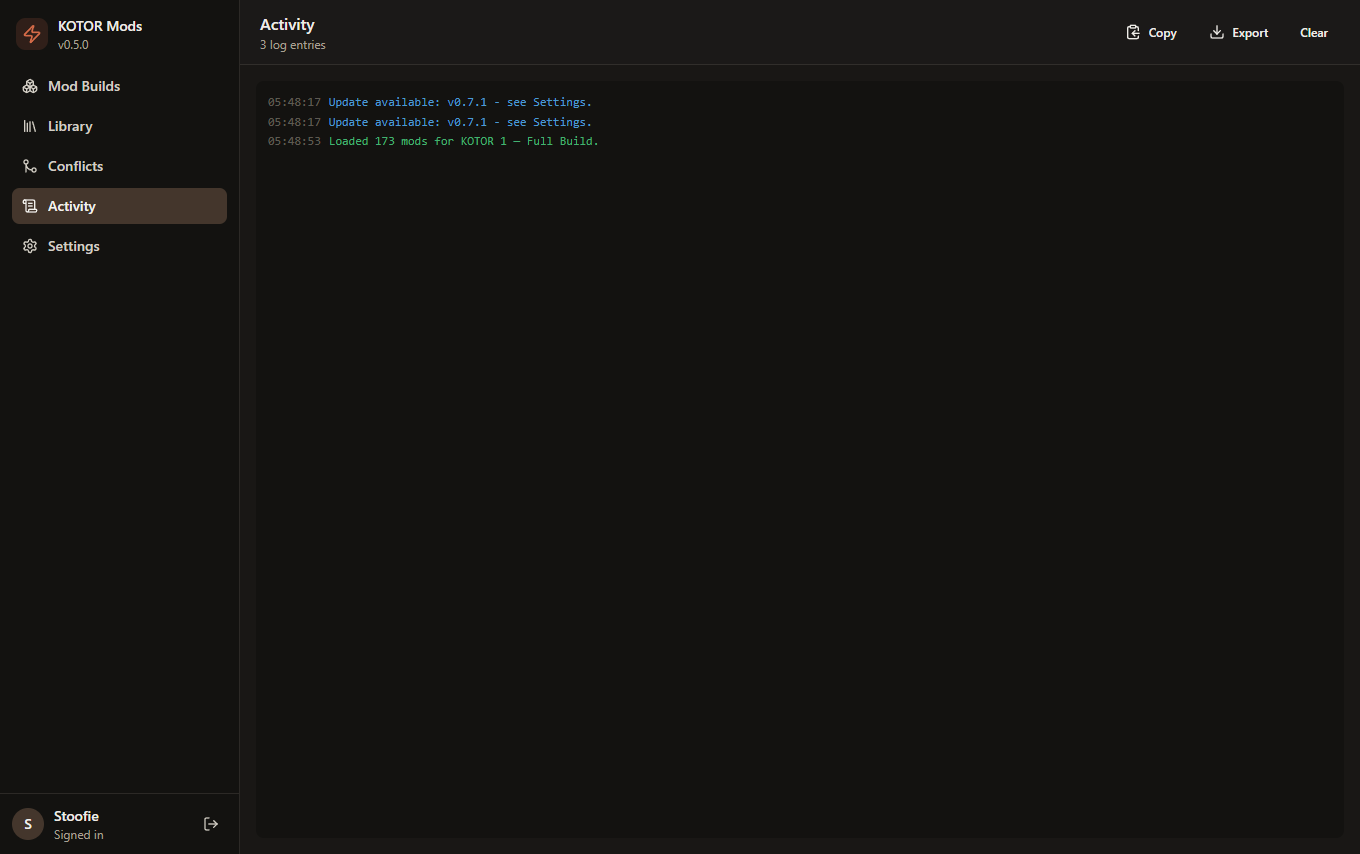
See it in action
A quick tour through the main screens, and searching the mod library.
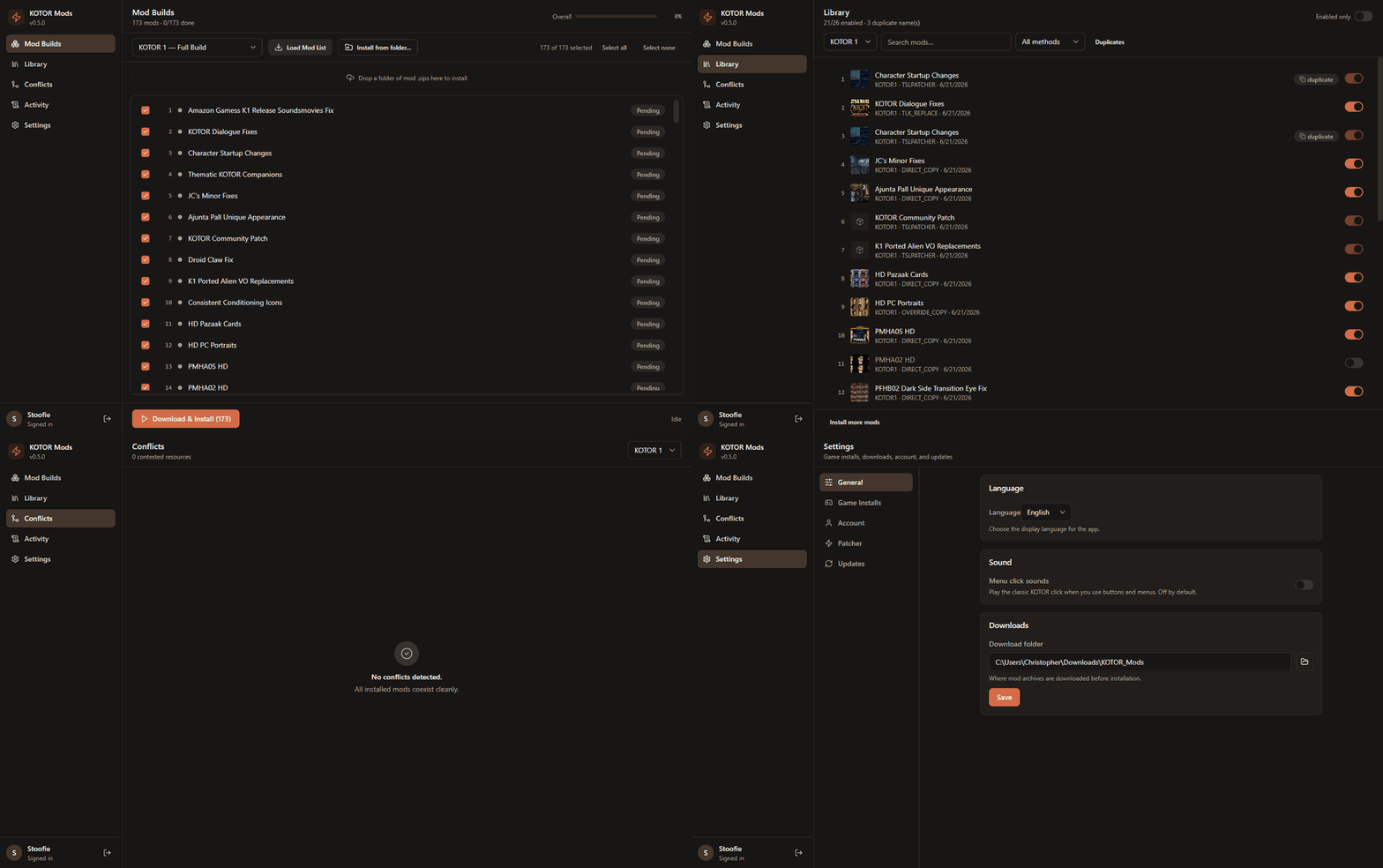
Touring Mod Builds, Library, Conflicts, and Settings.
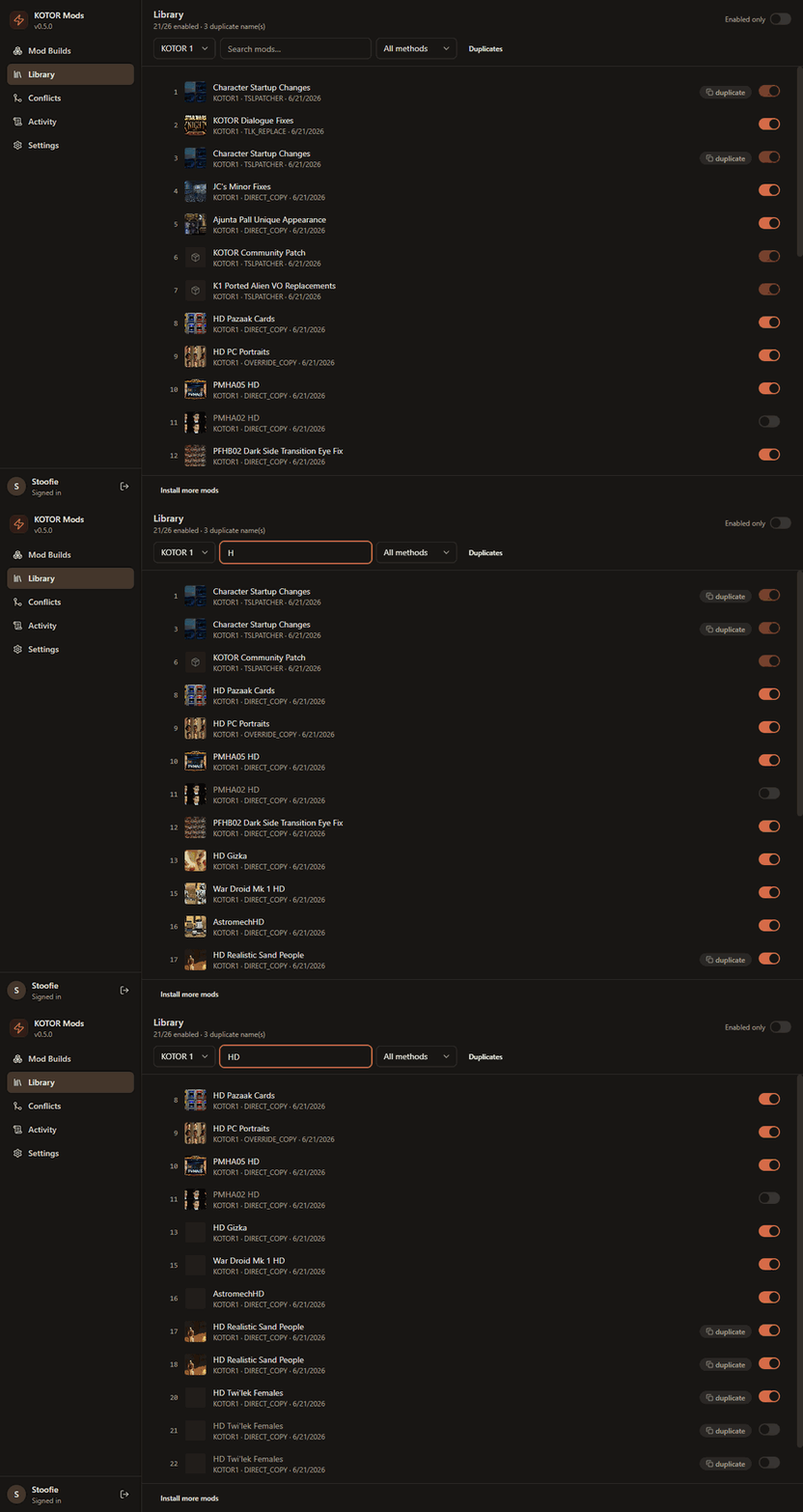
Searching and filtering your installed mods.
How to use it
From download to a fully-modded game in four steps.
Download & launch
Grab KOTOR-Mod-Installer.exe from the
latest release
and run it - that's the whole app, one file. On first launch, open
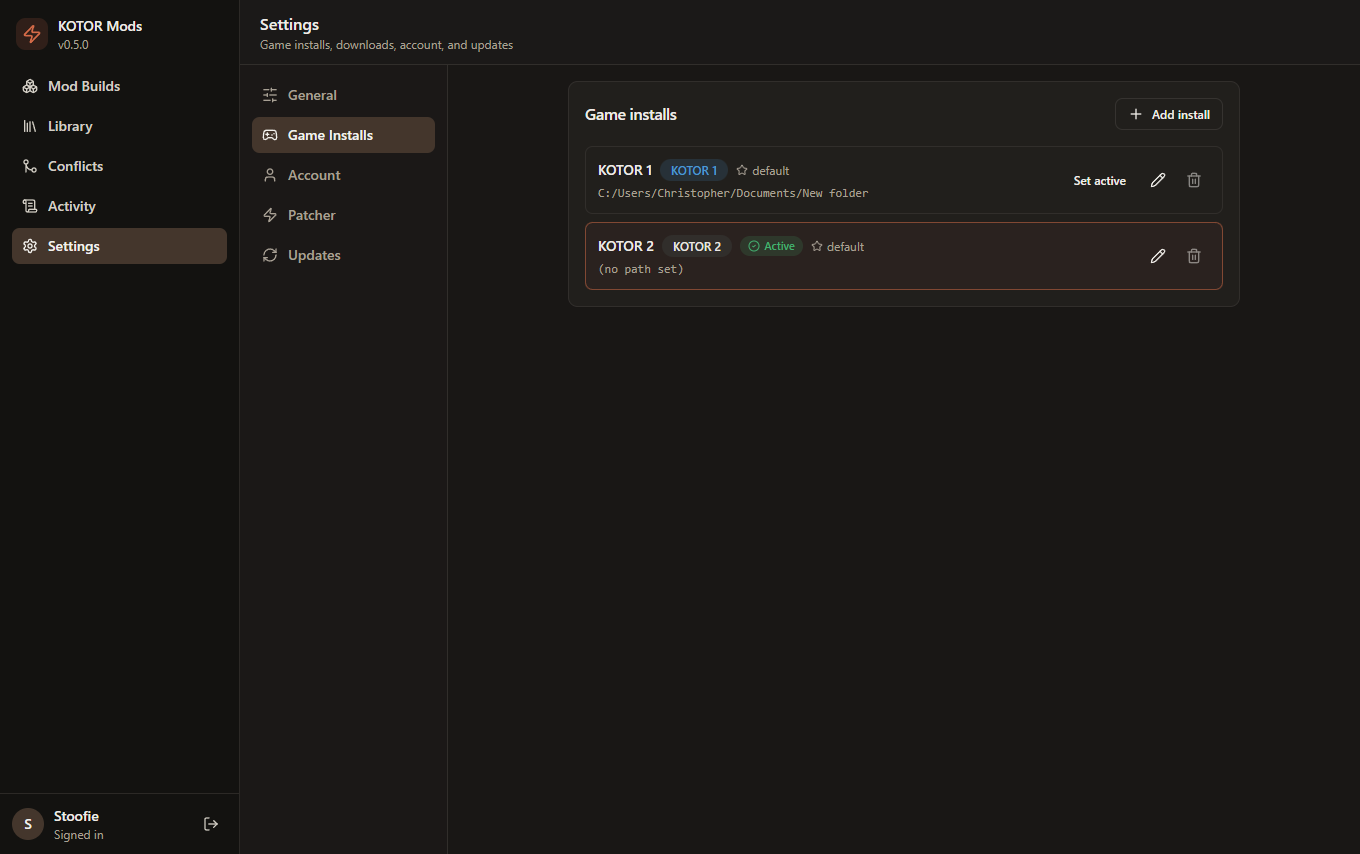
Settings → Game Installs and point it at your
KOTOR 1 / KOTOR 2 install folders, then sign in to your
DeadlyStream account.
Pick a build & install
Go to Mod Builds, choose a curated build (e.g. KOTOR 1 - Full Build), and click Load Mod List then Download & Install All. Mods download and install in the recommended order, with live progress. TSLPatcher mods are applied headlessly - no clicking through each patcher.
Manage your library
The Library tracks every installed mod. Flip a switch to enable or disable a mod (its files move in and out of the game), see the install method, and import any mod archive you like - not just the curated ones.
Resolve conflicts
The Conflicts view flags when two mods touch the same file file overlap or when a mod's own readme says it's incompatible with another declared - so you can fix load order or disable the loser before it breaks your game.
Features
Everything you need to mod KOTOR end-to-end.
Guided builds
Downloads the recommended community mod list in the correct install order.
Headless TSLPatcher
A bundled HoloPatcher engine applies TSLPatcher mods with no per-mod clicking.
Enable / disable
Toggle loose-file mods on and off; the manager moves their files for you.
Conflict detection
Finds file overlaps and declared incompatibilities across your enabled mods.
Import any mod
Point it at any archive or folder - it detects the install type and tracks it.
Auto-update
Checks GitHub for new releases and tells you when an update is available.