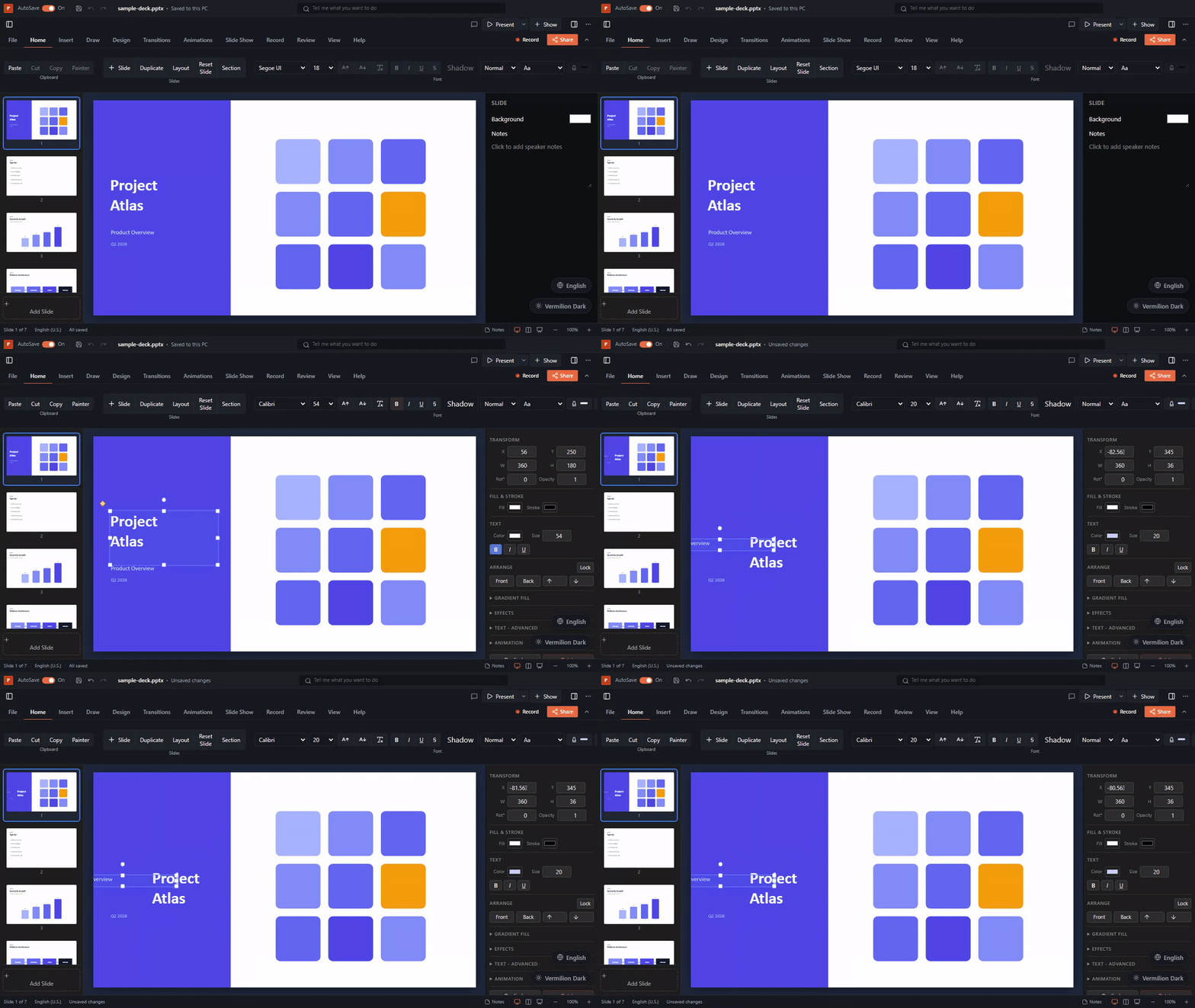
Parse & Round-trip
Load .pptx files into a fully-typed PptxData model and serialize edits back to a valid file. Handles 16 element types, themes, masters, layouts, and OOXML Strict conformance.
Loading & Parsing
Parse, create, edit, render, and convert .pptx files - browser and Node.js. Works with React, Vue 3, and Angular. No native dependencies.

The viewer/editor rendered entirely with HTML, CSS, and SVG - sharp text at any zoom, native accessibility, no Canvas. Vue and Angular bindings use the same engine. Try the live demo.
The UI packages bundle the core engine, so you install exactly one package:
| I'm building... | Install | What you get |
|---|---|---|
| React app | npm i pptx-react-viewer | Full-featured viewer + WYSIWYG editor, presenter mode, export, collaboration |
| Vue 3 app | npm i pptx-vue-viewer | Viewer component with the same rendering engine; editor features being ported |
| Angular app | npm i pptx-angular-viewer | Viewer component with the same rendering engine; editor features being ported |
| Headless (Node / browser) | npm i pptx-viewer-core | Parse, create, edit, convert, encrypt - no UI, no framework dependency |
| AI / MCP tooling | npm i pptx-viewer-mcp | 24 MCP tools, CLI, Y.Doc collaboration codec |
Full installation details and peer dependency requirements are in the installation guide.
All three UI packages bundle pptx-viewer-core, but you can also use the core engine on its own for headless workflows - no browser, no framework:
import { PptxHandler, PptxMarkdownConverter } from 'pptx-viewer-core';
const handler = new PptxHandler();
const data = await handler.load(await fs.readFile('deck.pptx'));
// Walk the slide data model
for (const slide of data.slides) {
for (const el of slide.elements) {
if (el.type === 'text') console.log(el.text);
}
}
// Mutate and save back to .pptx
data.slides[0].elements[0].text = 'Updated';
await fs.writeFile('out.pptx', await handler.save(data.slides));
// Or convert to Markdown
const md = await new PptxMarkdownConverter('./out', { semanticMode: true }).convert(data);The core engine runs identically in Node.js, Bun, Deno, browser tabs, Web Workers, and serverless functions.
pptx-viewer-mcp exposes 24 PPTX manipulation tools as an MCP server. Any MCP-compatible client (Claude Desktop, Cursor, VS Code Copilot) can use them to read, edit, and convert presentations without writing code:
{
"mcpServers": {
"pptx": { "command": "npx", "args": ["pptx-viewer-mcp"] }
}
}Alternatively, call the tool functions directly in your own pipeline - they are pure functions that take PptxData and return PptxData:
import { replaceText, addSlide, convertToMarkdown } from 'pptx-viewer-mcp';See the MCP & Tools reference for the full tool catalogue, Zod schemas, and the Y.Doc collaboration codec.
Before adopting the library, read the full limitations page. Key caveats:
HTMLCanvasElement or OffscreenCanvas; pure Node.js needs a canvas polyfillThe React viewer is built on 67+ composable hooks. You can hook into any layer:
PptxElement type by mapping the type discriminant to your own componenttheme prop to restyle the toolbar, inspector, and slides (Theming guide)ref to call exportAsPng, goToSlide, setZoom, and other methods programmatically (Imperative handle reference)useEditorOperations, useExportHandlers, etc.) to build your own viewer shell (Hooks reference)PptxElement type a seven-step process (Adding an element type)