
Abiotic Factor / Save editor
Science went wrong.
Take your save back.
Restock your backpack. Adjust your skills. Give your world a second chance. Abiotic Editor helps you change your saved game, with step-by-step help and no coding needed.
Free and fan-made. Your save files stay on your computer.
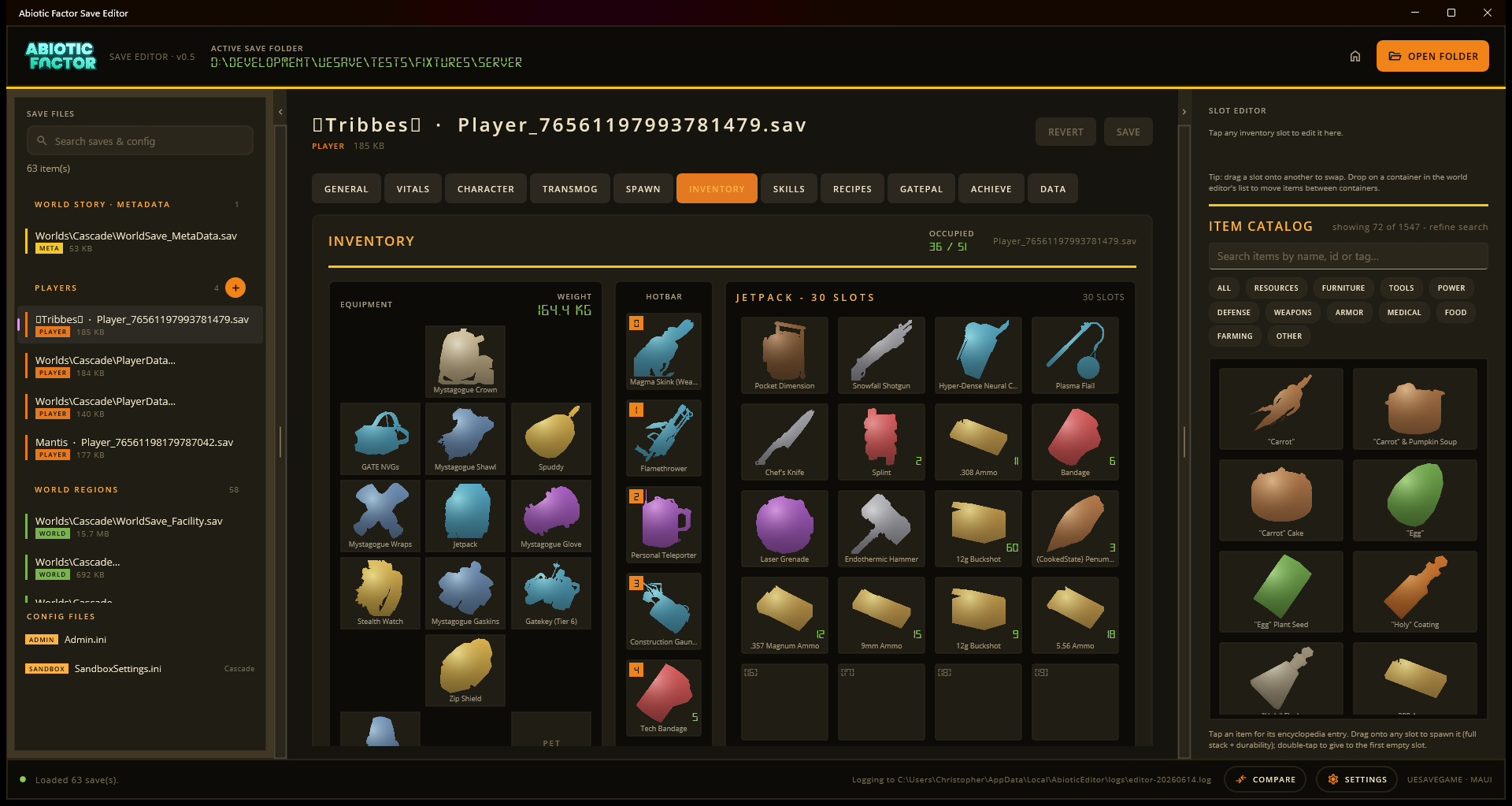
Choose your workbench
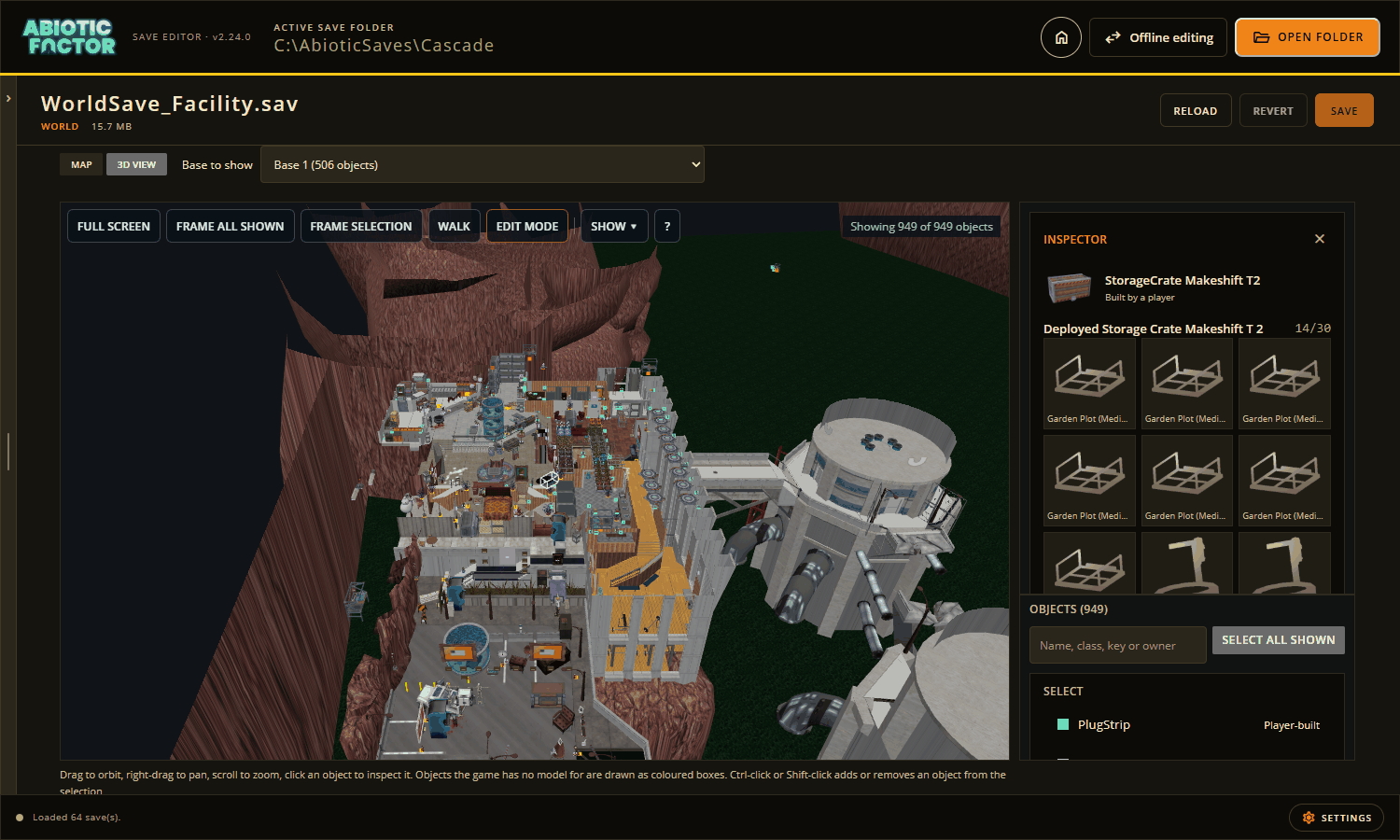
Want the full toolbox? Download the desktop app for Windows, Linux, Steam Deck or macOS. It finds your worlds, shows your base in 3D with the game's own models, moves items between saves, works with Game Pass saves, and can edit a running game. Take the desktop tour.
Want to try it now? Open the browser editor. Choose your save folder or a zip copy of it. There is nothing to install. Follow the browser walkthrough.
What brings you back to the Facility?
| I want to... | Take me there |
|---|---|
| Change my character, gear or world | Make your first edit |
| See and rearrange my base in 3D | Bases and the 3D view |
| Carry supplies into another save | Transfer items |
| Use my Xbox / PC Game Pass save | Game Pass help |
| Play on Steam Deck or Linux | Set up the desktop app |
| Fix missing item pictures or names | Game data |
| See my Steam achievements | Steam and achievements |
| Change things while the game is running | Live editing |
Save, then head back in
Changes to a save wait until you press SAVE. When the editor writes a file, it keeps the old version beside it with .bak at the end of its name. Keep your own copy of a world you care about too.
Using a zip in the browser? Press SAVE, then EXPORT to download your edited world before closing the page. The browser guide explains how to put it back.
Live editing works differently. It changes the running game straight away and makes no editor backup. Start with the live editing guide before connecting.
Need something else? Browse all player guides, the screenshot tour, or use Search above. Build instructions and other developer material are in the technical reference.