Steam accounts and achievements
Abiotic Editor can show Steam account and achievement information already available on your PC. It is a viewing station only: the editor cannot unlock achievements, change progress, alter your Steam account, or see your Steam password.
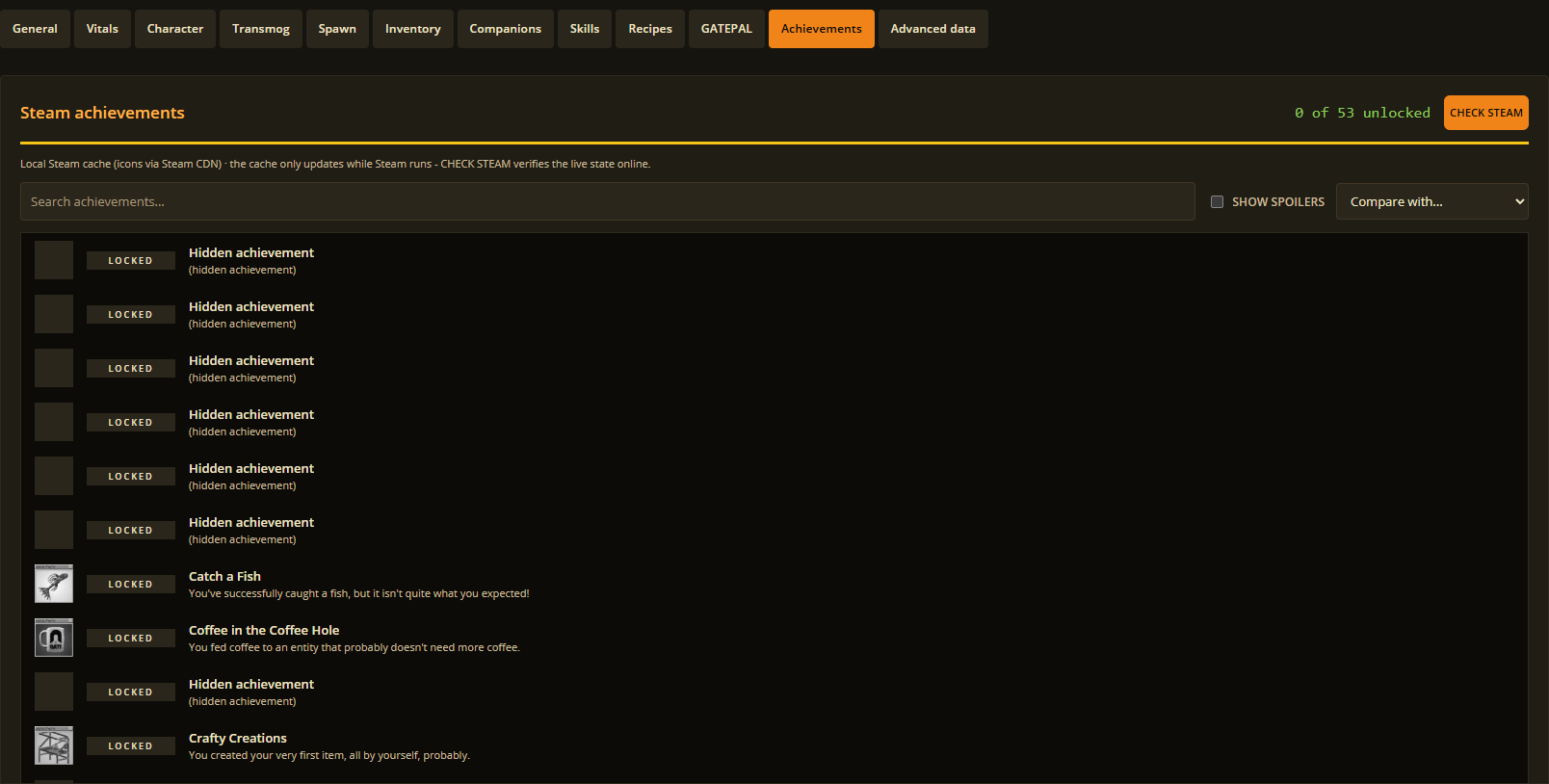
Choose Achievements to review the available records.
Refresh your records
- In Abiotic Editor, open Steam and choose Open Steam sign-in.
- Sign in through Steam's own page.
- Start Steam on this PC and let it finish syncing.
- Return to the editor and choose Refresh local status, or Refresh in a player's Achievements tab.
If an achievement is missing, repeat those steps after Steam has finished syncing. Private profiles can show fewer details. Open Community Page opens the profile in Steam when you want to check it there.
Your sign-in and private Steam data remain with Steam. Abiotic Editor respects Steam's privacy settings.