Linux desktop app
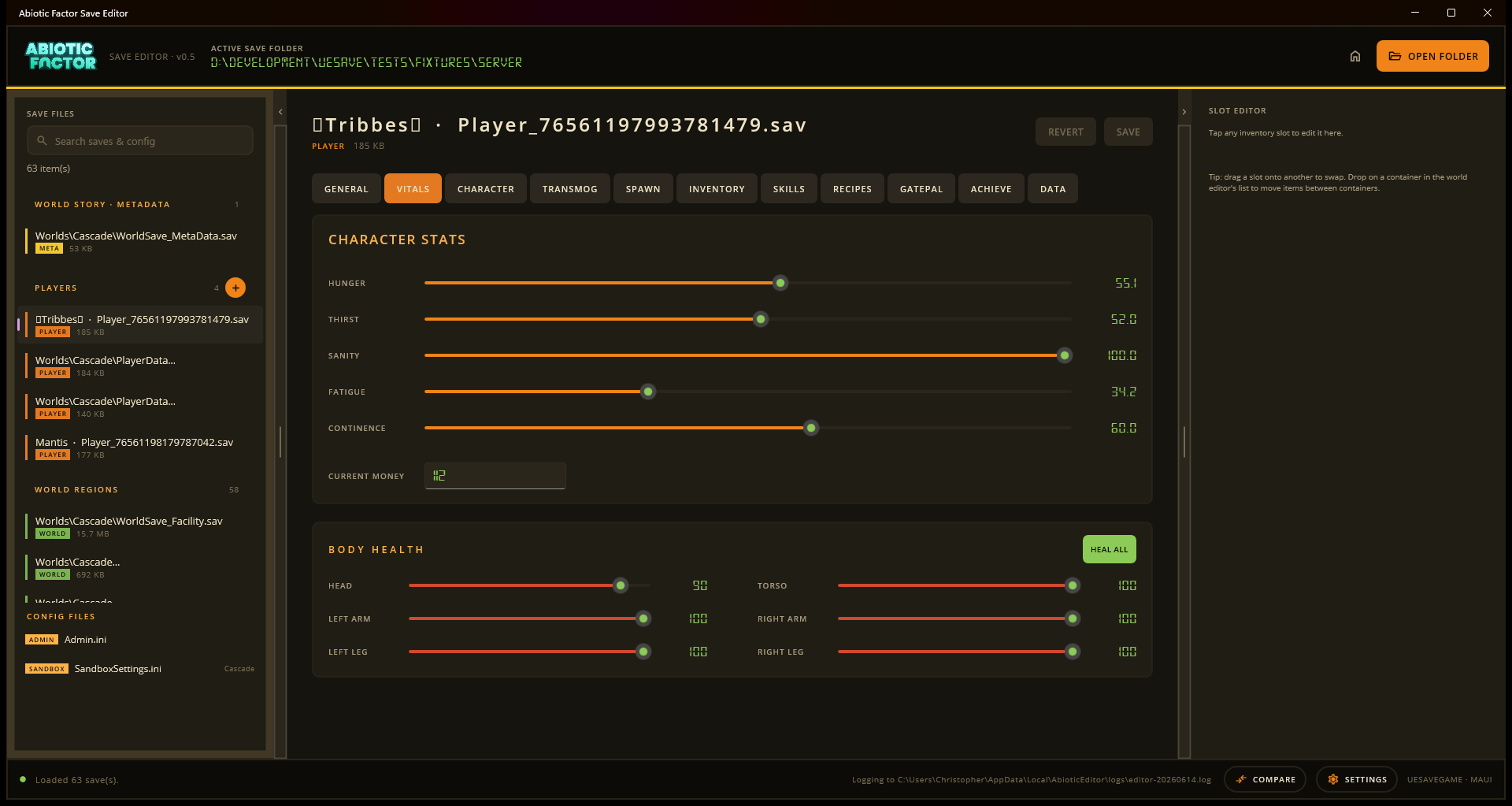
AbioticEditor.Web ships as a self-contained Linux desktop application. The existing Razor UI is displayed in a Photino native window backed by WebKitGTK, while its local server remains restricted to the loopback interface. Save files never leave the computer.
Runtime requirements
The archive contains the .NET runtime and the Photino native library. The desktop must provide GTK 3, WebKitGTK 4.1, and libnotify. On Debian or Ubuntu, install missing libraries with:
sudo apt-get install libgtk-3-0 libwebkit2gtk-4.1-0 libnotify4Package names can vary by distribution. Ubuntu 24.04 names the GTK package libgtk-3-0t64. A web browser is not required to display the editor, but on a system where these libraries are missing or hard to install (Steam Deck's read-only system partition in particular), --headless runs the same host without needing them at all; see Headless fallback below.
Build a release folder
From the repository root on Linux, publish the supported x64 build:
dotnet publish src/AbioticEditor.Web -c Release -r linux-x64 --self-contained true \
-p:PublishSingleFile=false -o out/AbioticEditor-desktop-linux-x64
chmod +x out/AbioticEditor-desktop-linux-x64/launch-linux.sh
chmod +x out/AbioticEditor-desktop-linux-x64/install-linux-desktop.shArchive the contents of that output directory. Do not publish a single-file build: the native window library, static assets, and save templates remain beside the executable.
Run it
Extract the archive, then double-click launch-linux.desktop. KDE Plasma (Steam Deck Desktop Mode and most other Linux desktops) offers to Trust and Launch a local .desktop file like this the first time, with no terminal and no permissions to fix by hand: unlike a plain script or binary, it does not need its own executable bit set to make that offer. Accept the prompt once and the editor opens in its desktop window.
Alternatively, from a terminal:
./launch-linux.shThe command stays attached to the desktop window and exits when the window closes. The default internal endpoint is http://127.0.0.1:37246. A different port can be chosen only with a loopback HTTP URL:
ABIOTIC_EDITOR_URL=http://127.0.0.1:41000 ./launch-linux.shThe executable rejects wildcard, LAN, HTTPS, path, query, and privileged-port bindings. This is deliberate because the editor can access local saves selected by the user.
If double-clicking launch-linux.desktop does nothing either
A handful of very old or unusual desktop environments do not offer the trust-launch prompt for local .desktop files. Fall back to a terminal, which sidesteps every permission and file-association problem at once:
cd path/to/the/extracted/folder
bash launch-linux.shRunning the script with bash works even when neither file has its executable bit set; launch-linux.sh fixes the main executable's permission itself before starting it. Once it runs once, ./install-linux-desktop.sh (same folder) adds a normal double-clickable menu entry for next time.
On Steam Deck this must be done from Desktop Mode (Power button -> Switch to Desktop); Gaming Mode has no file manager or terminal. Dolphin's right-click menu on empty space inside a folder has an Open Terminal Here entry.
Headless fallback (no GTK/WebKitGTK required)
--headless starts the same host without opening a native window, so it needs none of the GTK 3 / WebKitGTK 4.1 / libnotify libraries the desktop window does:
./launch-linux.sh --headlessThen open http://127.0.0.1:37246 in any browser on the machine. This is the practical workaround when those libraries are missing and installing them is impractical, e.g. Steam Deck's read-only system partition (pacman -S there needs steamos-readonly disable first, which most players should not need to do just to run an editor). It also remains what CI uses for automated health checks.
Desktop-menu install and updates
Extract each release into a stable per-user directory such as ~/.local/opt/abiotic-editor-web, then install the desktop-menu entry:
cd ~/.local/opt/abiotic-editor-web
chmod +x launch-linux.sh install-linux-desktop.sh
./install-linux-desktop.shThe Abiotic Editor menu item launches the same desktop app. To update, close the app, replace the release directory contents, and run ./install-linux-desktop.sh again. Remove the menu integration with ./install-linux-desktop.sh --uninstall.
Release contract
The release workflow publishes AbioticEditor-desktop-linux-x64-v<version>.zip. It includes the self-contained executable, Photino.Native.so, Razor assets, templates, launch-linux.sh, launch-linux.desktop, and install-linux-desktop.sh. CI verifies headless health, a real WebKitGTK window under a virtual display, and the desktop-entry launcher's contents before publishing (see tools/verify-web-host-linux.sh; the trust-launch prompt itself is desktop-environment UI CI cannot drive, so that part is a manual check).
The same archive is published as the Linux / Steam Deck (Proton saves) main file on Nexus Mods. It is a native Linux application that discovers and edits saves inside Proton prefixes; Proton is not needed to run the editor itself.
Release maintainers configure the Nexus upload with the shared NEXUSMODS_API_KEY Actions secret and the NEXUS_PROTON_FILE_ID repository variable. If either value is absent, the Nexus Linux upload is skipped without blocking the GitHub release or Windows Nexus file.
Release smoke check
Run the repository verification script against a published folder on Ubuntu:
sudo apt-get install libgtk-3-0t64 libwebkit2gtk-4.1-0 libnotify4 xvfb
bash tools/verify-web-host-linux.sh out/AbioticEditor-desktop-linux-x64Then perform the manual Linux acceptance pass with real Steam and Proton save locations, folder selection and reveal, player and world save/revert, INI save, and plugin tools. Also double-click launch-linux.desktop from a real desktop's file manager (ideally Plasma, since that is what Steam Deck Desktop Mode runs) at least once per release: CI checks the file's contents are correct but cannot drive the actual "Trust and Launch" prompt, so this is the one part of the one-click path that stays a manual check.