
Screenshot tour
Find the screen you need, then follow the linked guide for the steps. Select an image to enlarge it.
These were taken in the desktop app with copied saves. Pictures are framed to leave out local save paths. The tabs and lists you see depend on your save and your game version.
Getting started
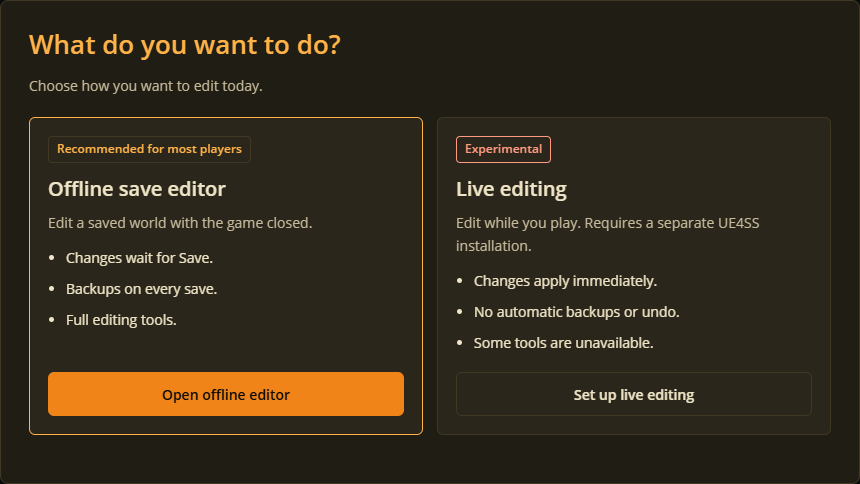
Choose how to edit
A world, opened

Get the 3D view ready
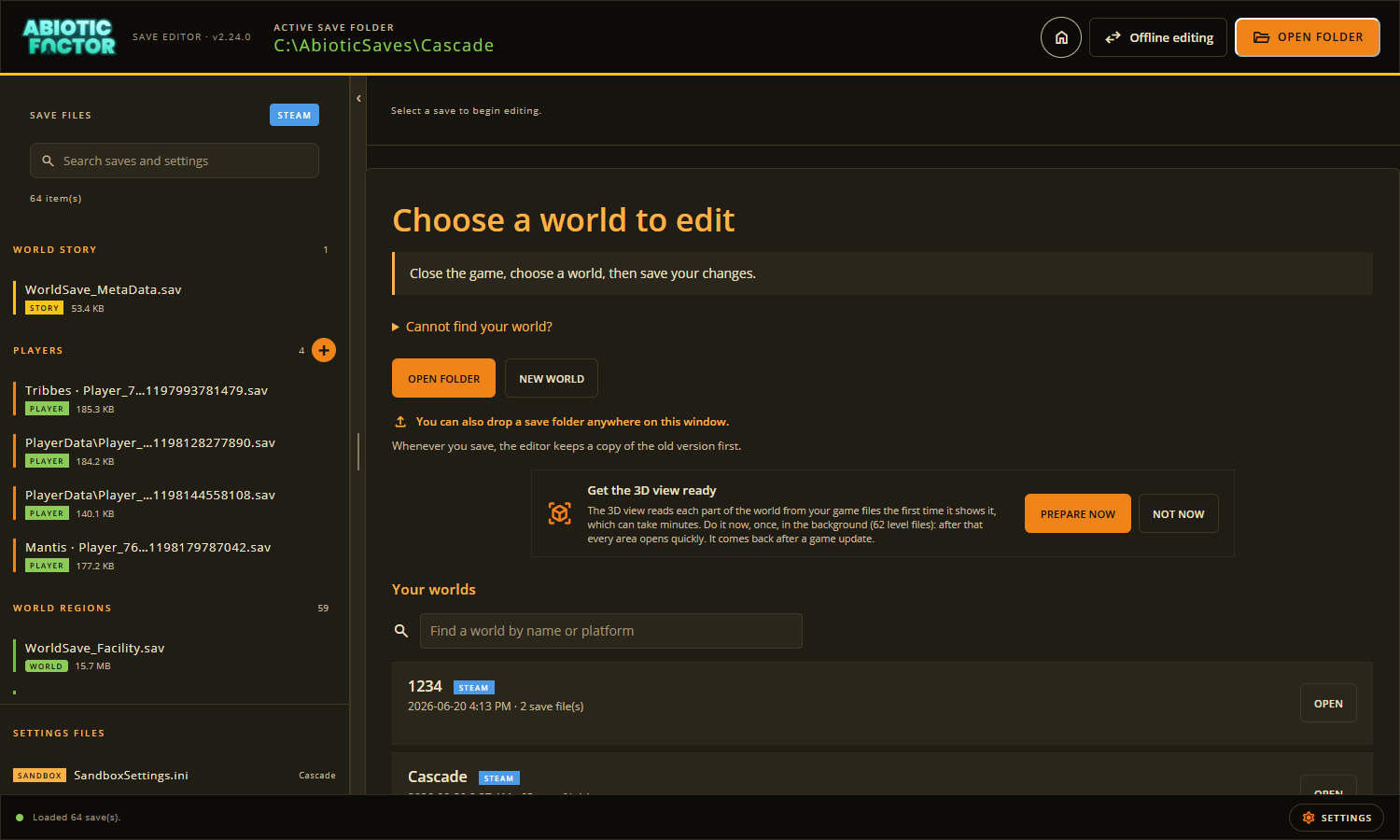
See Getting started and the desktop app tour.
Player saves
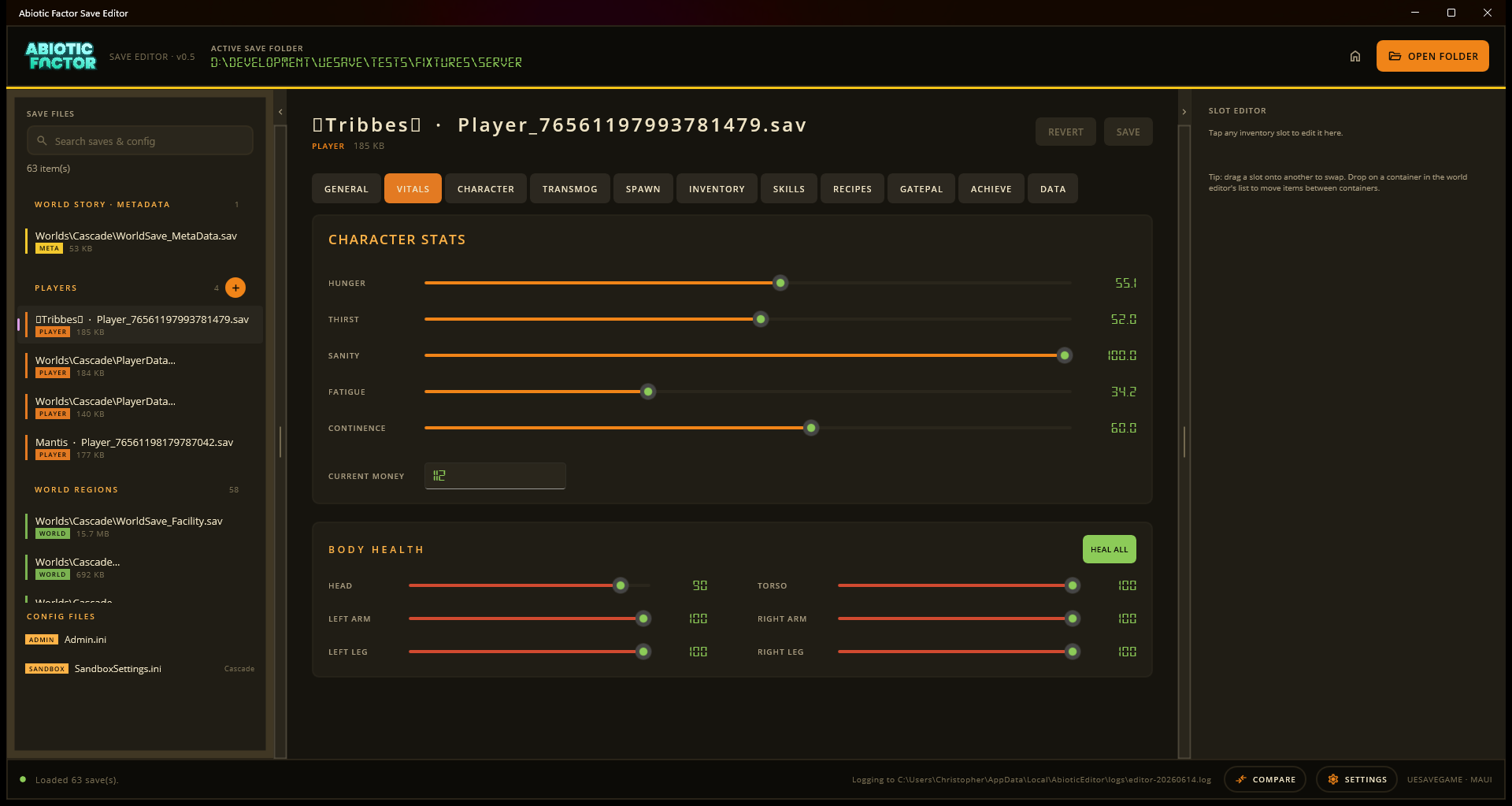
Vitals
Inventory and equipment
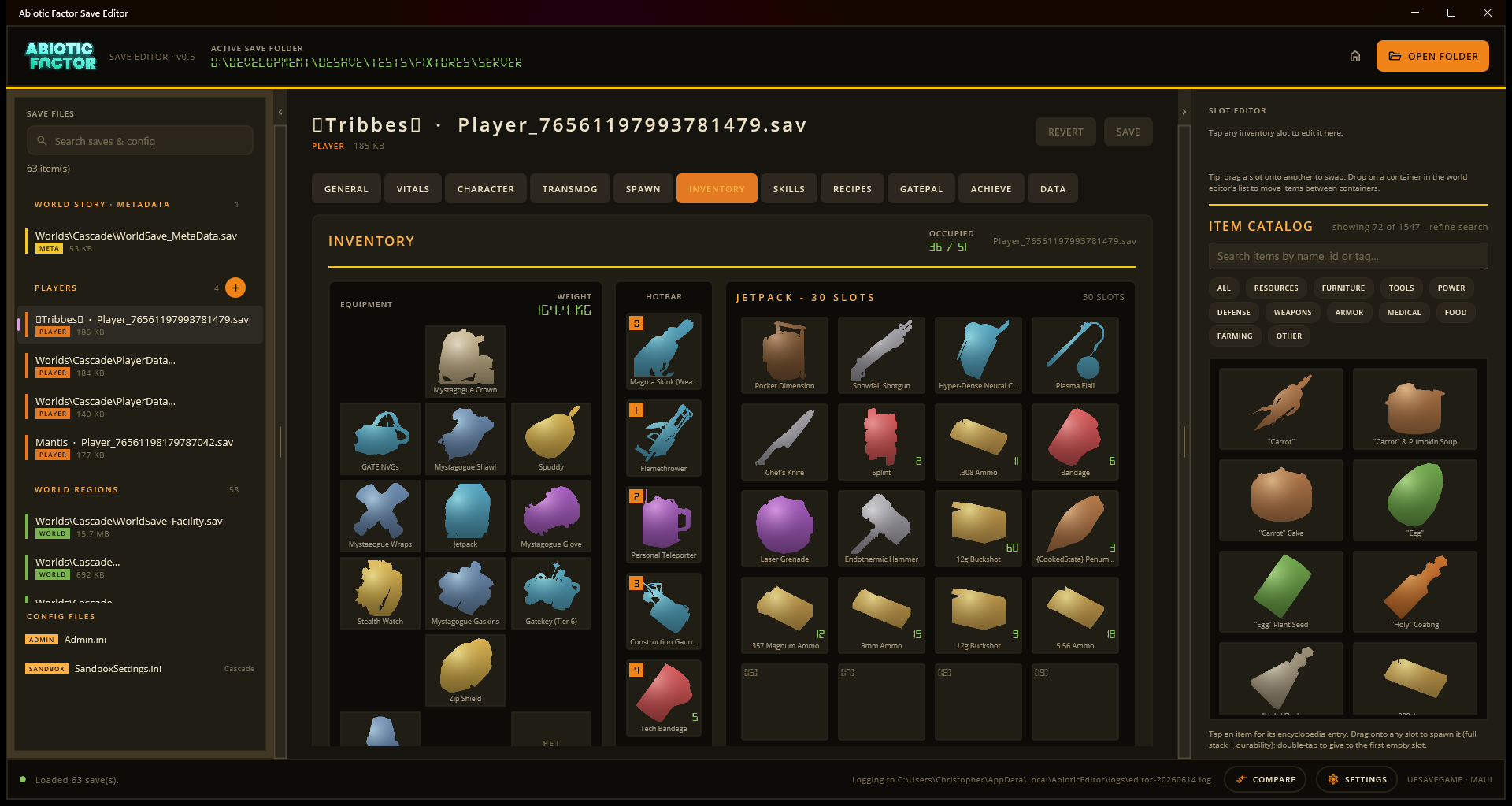
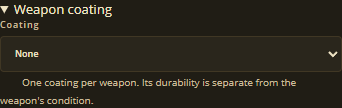
Weapon coating
Skills

Recipes

Character

Gatepal

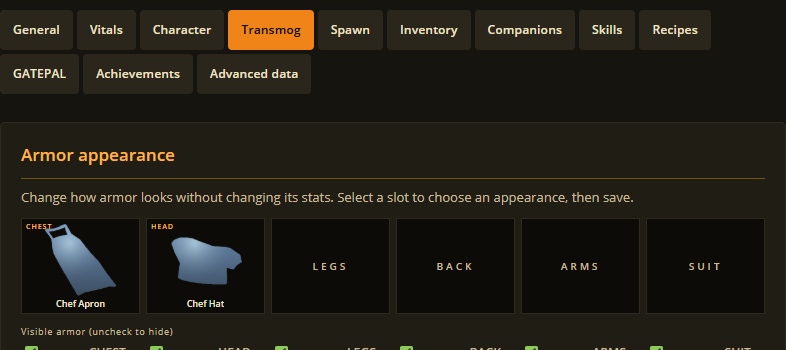
Transmog
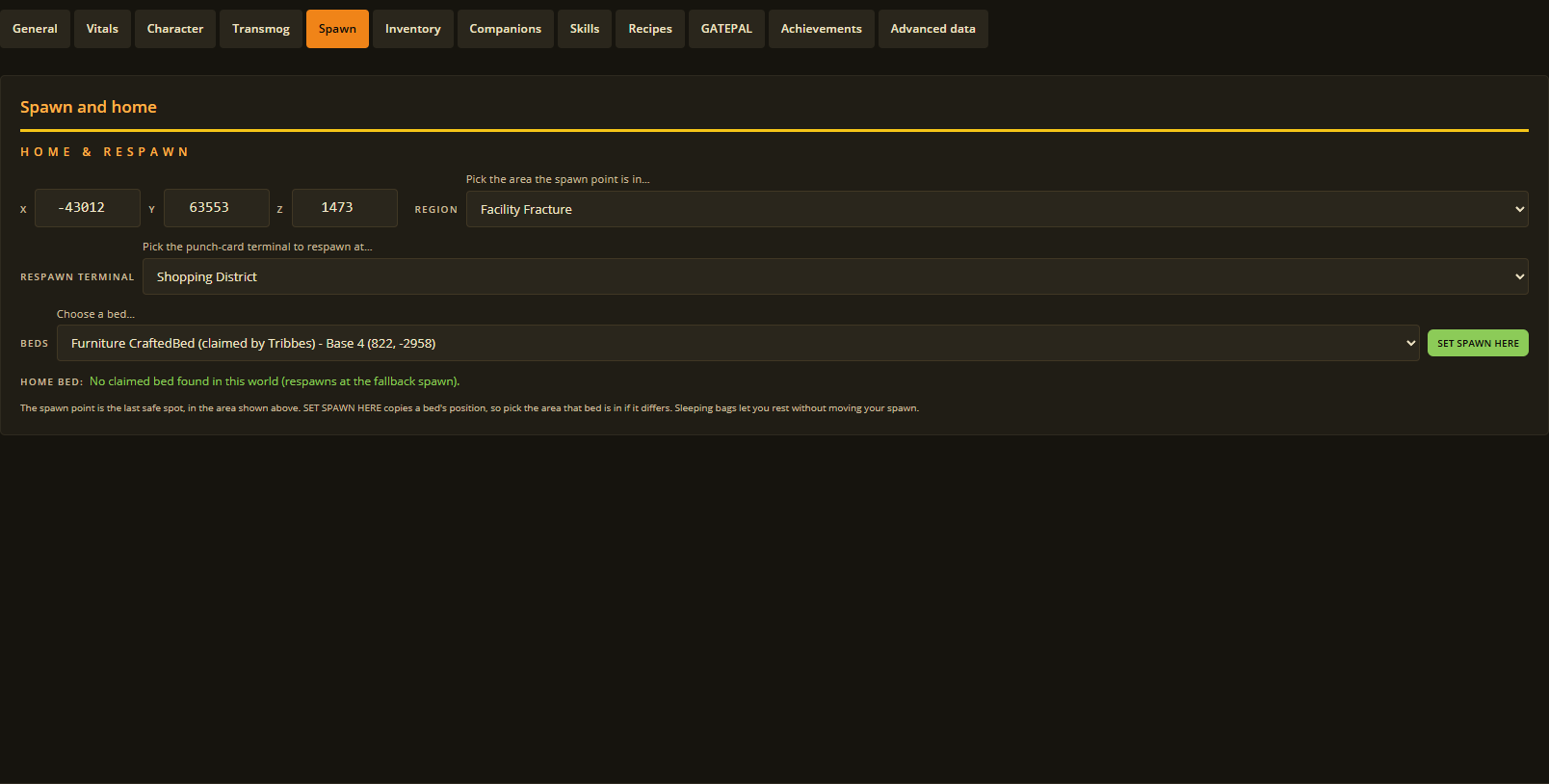
Spawn
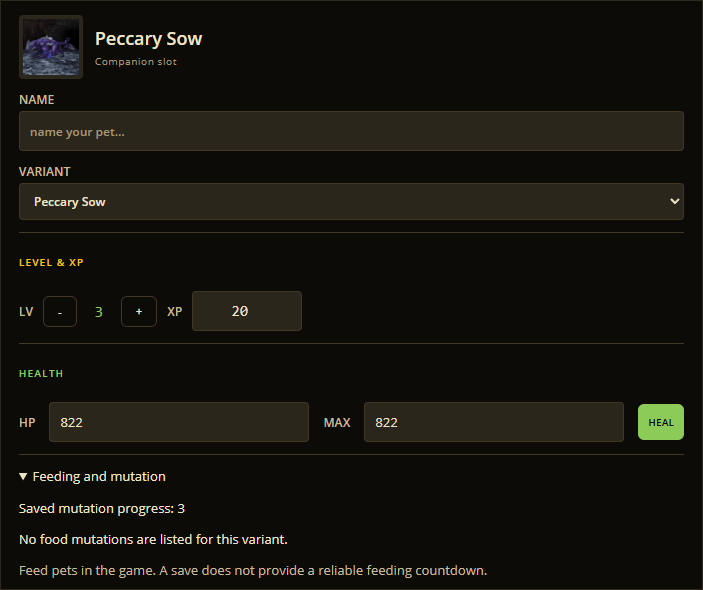
Companions
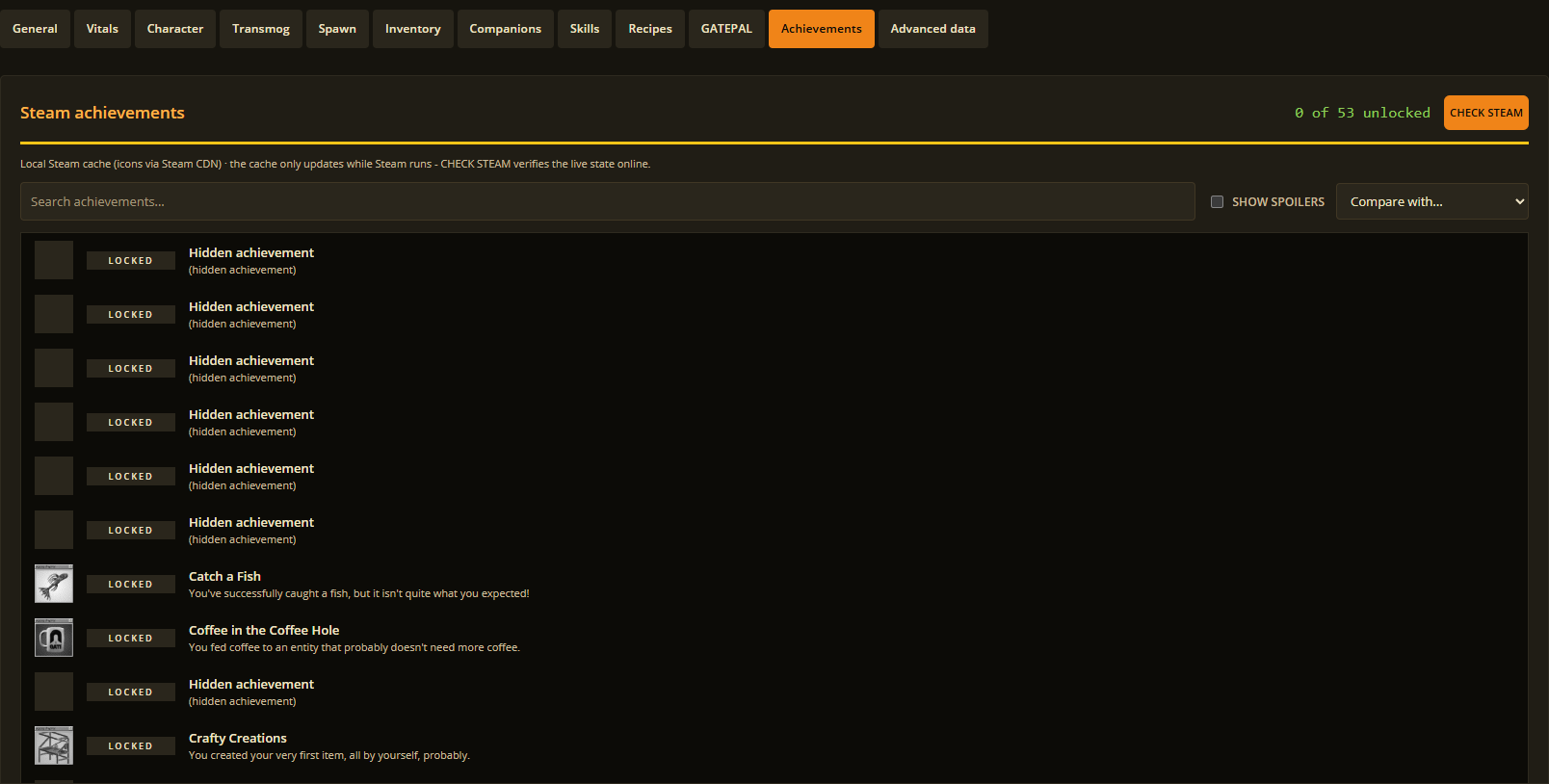
Achievements
World saves
Containers
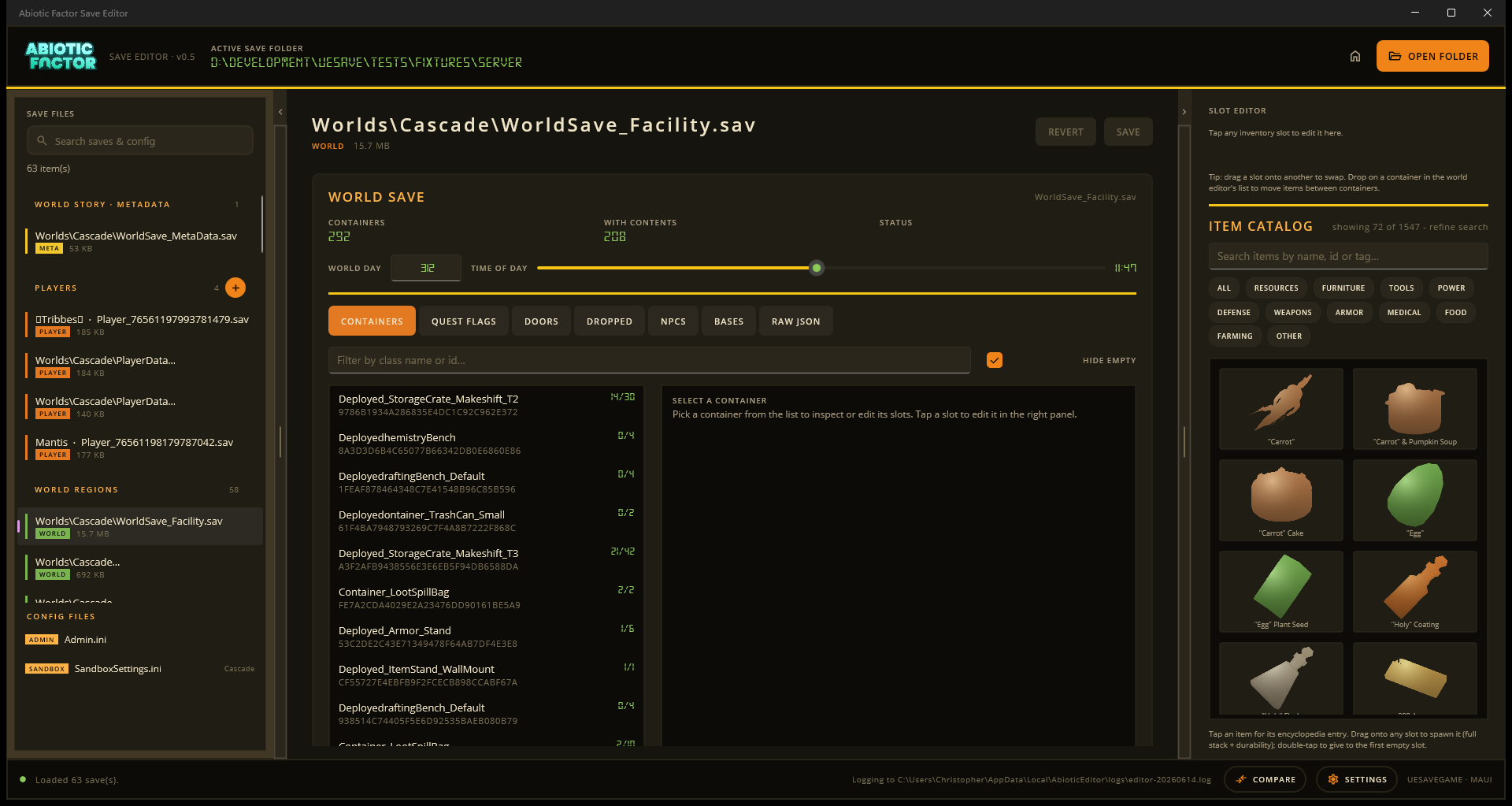
Story events
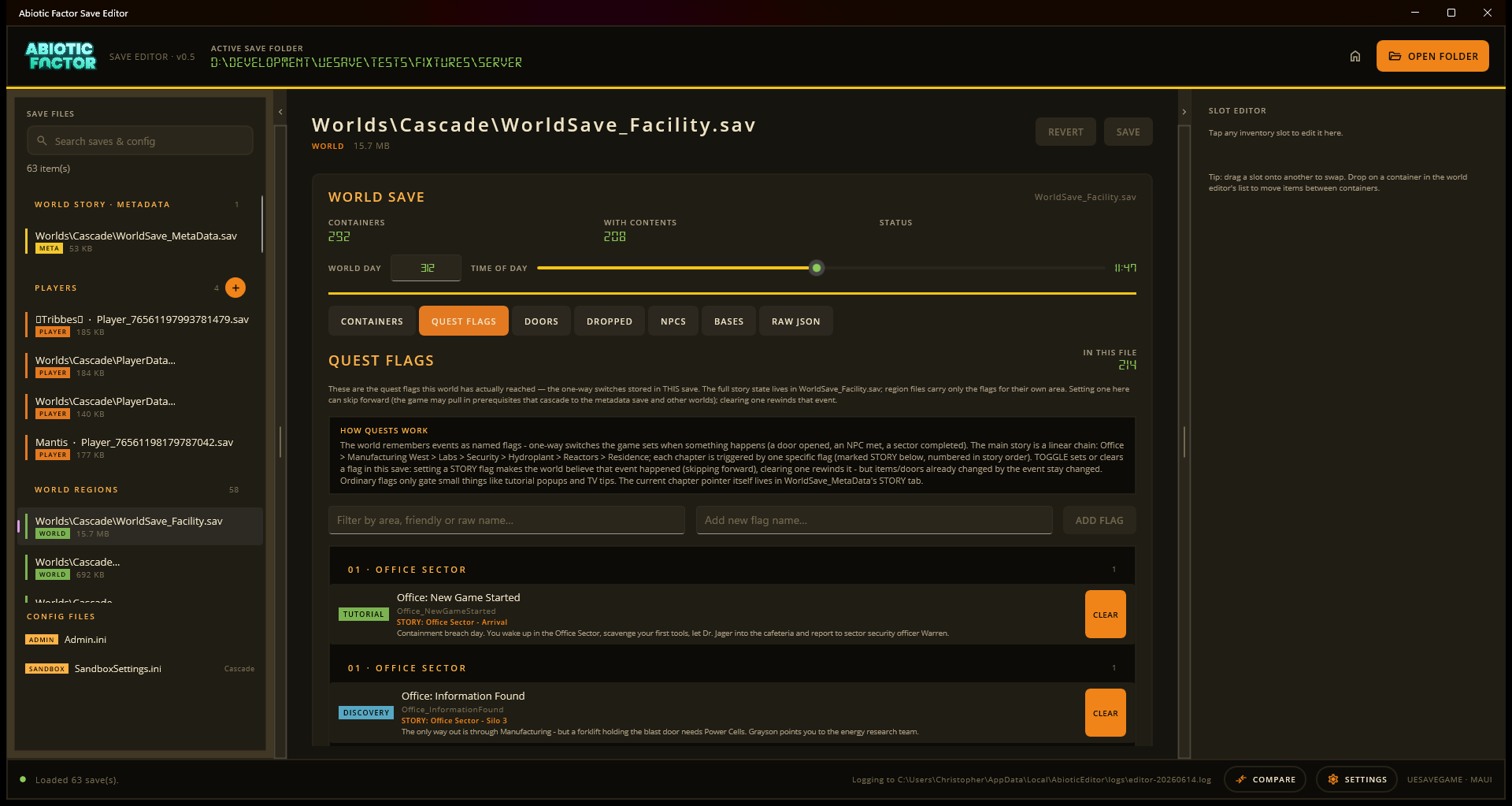
Story characters
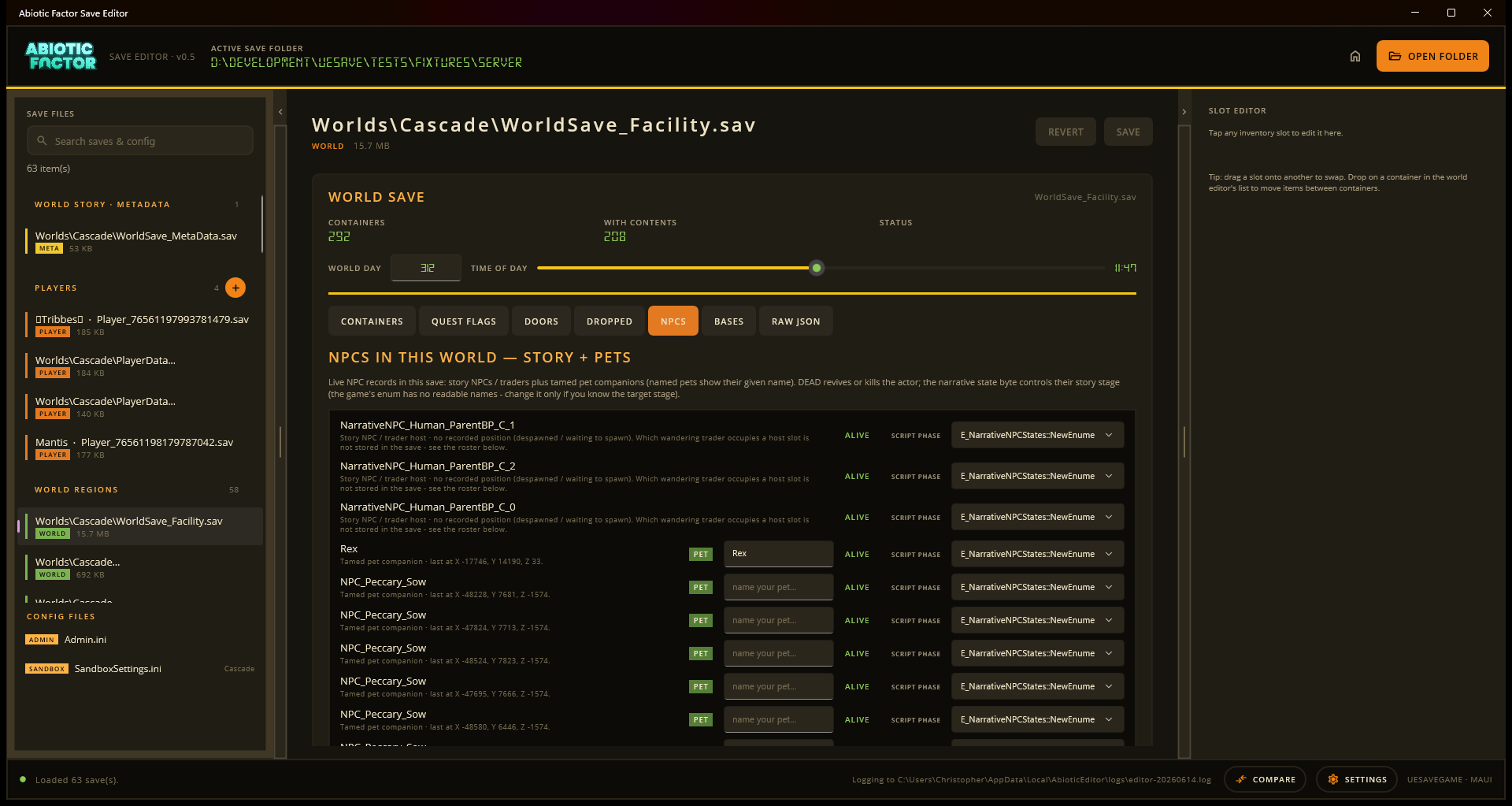
Pictures in the world lists
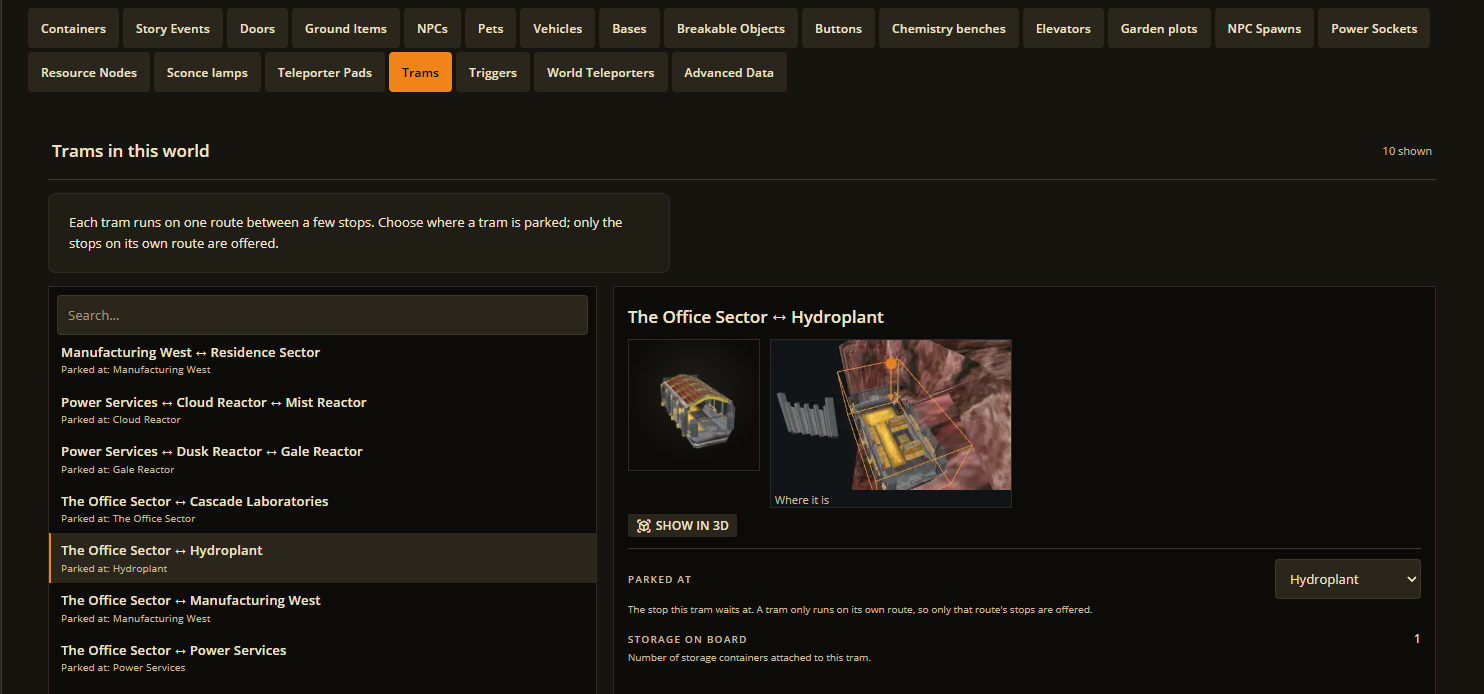
Traders
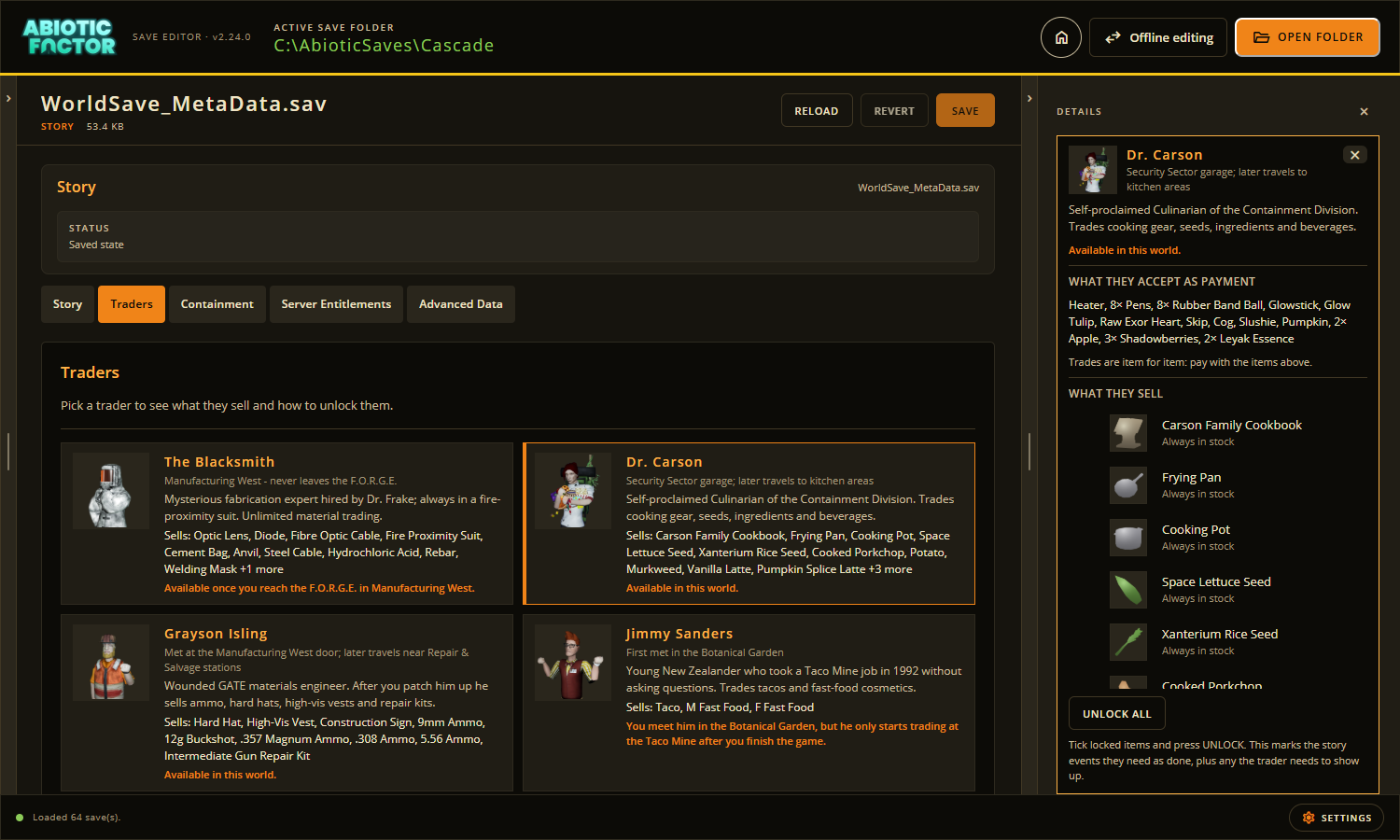
Garden plots
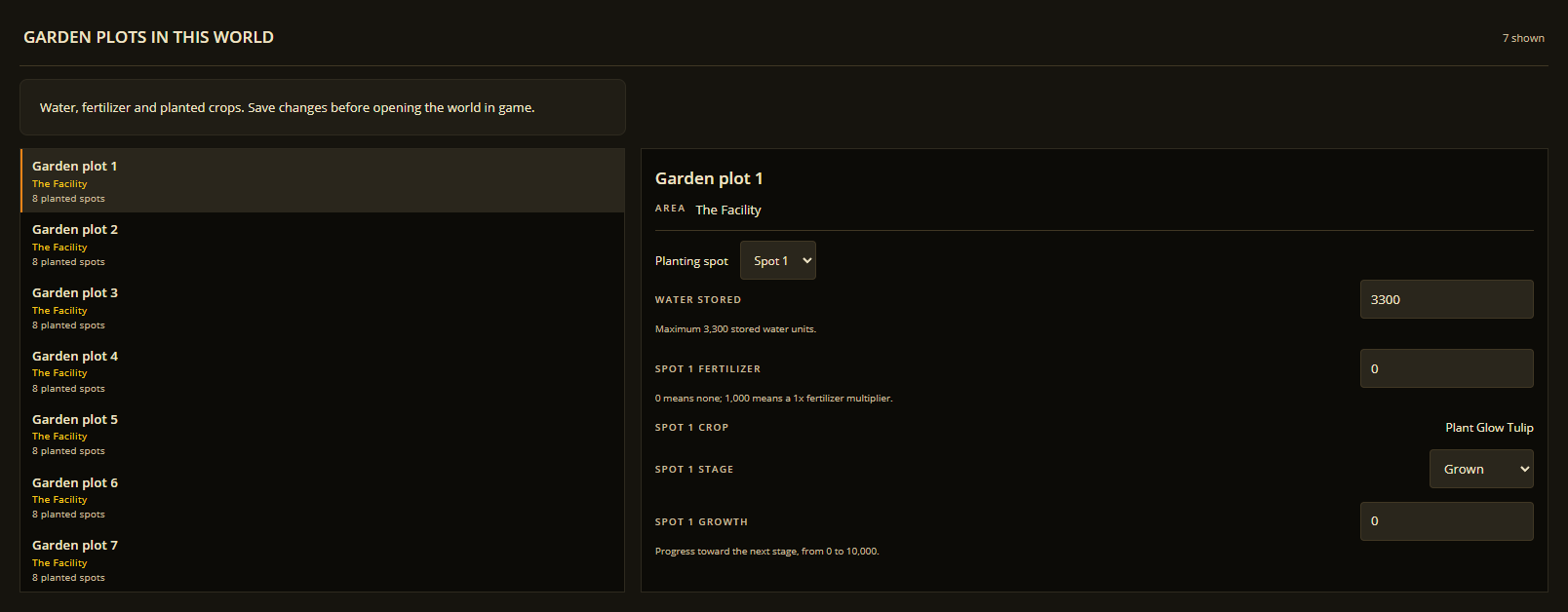
Chemistry benches
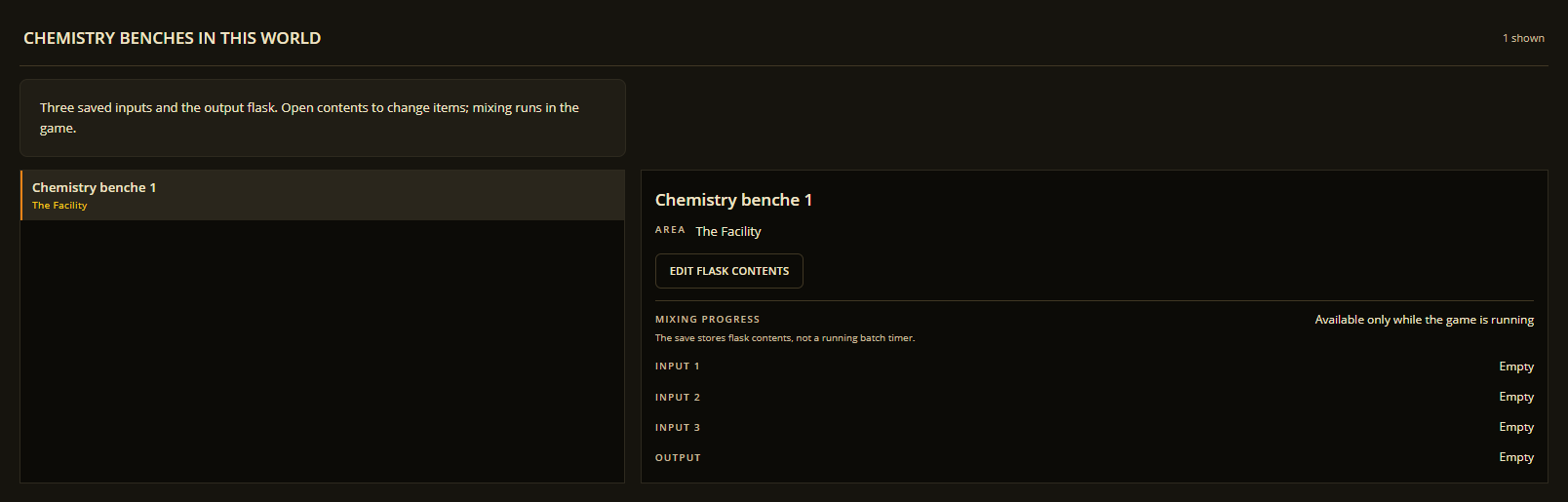
Pets
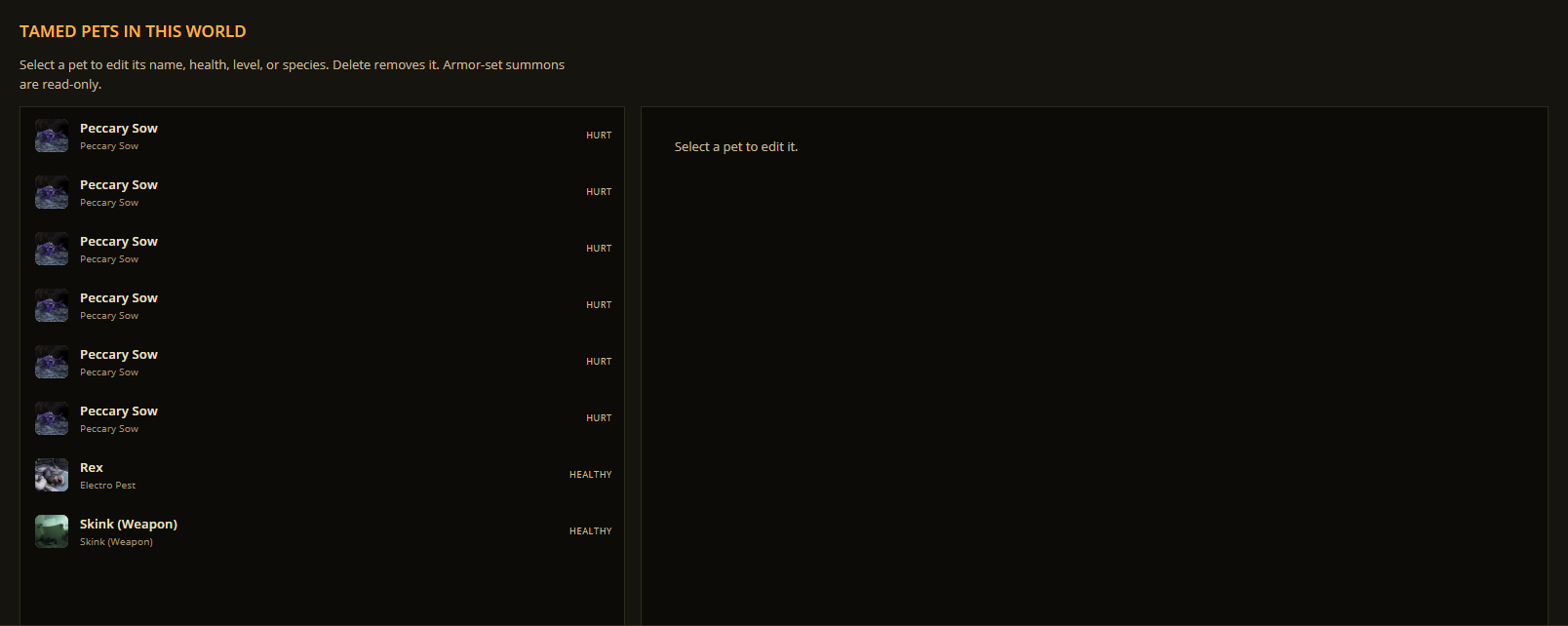
See the desktop app tour and More world tools.
Bases and the 3D view
Base contents
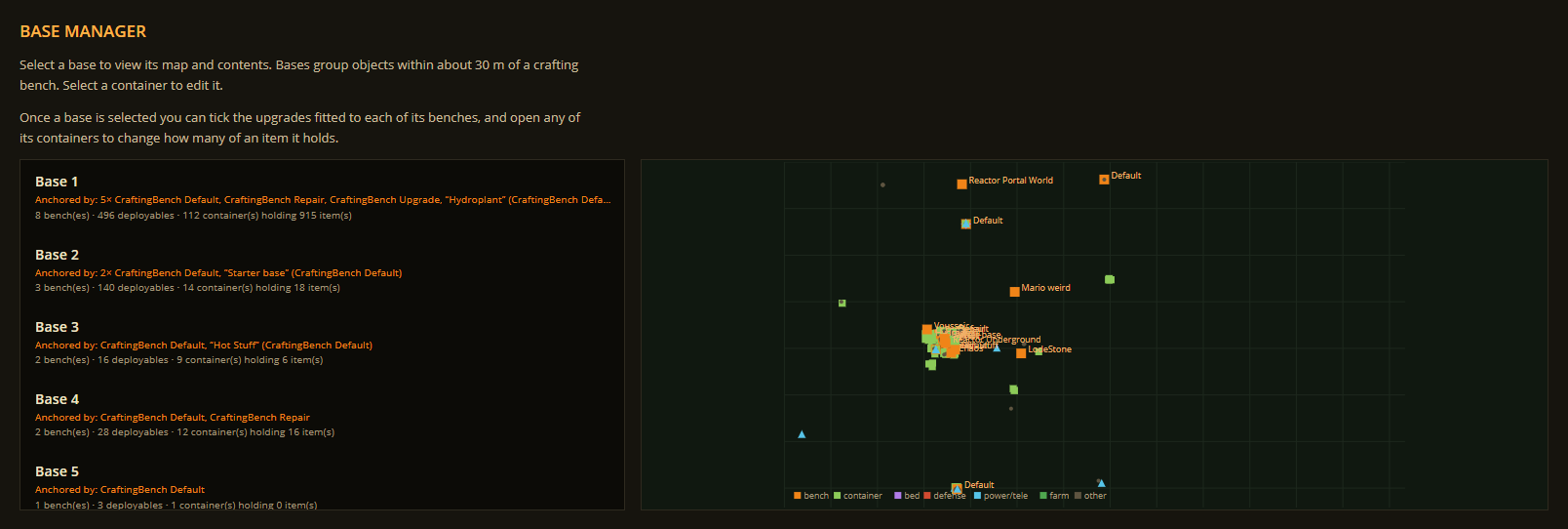
Bases map
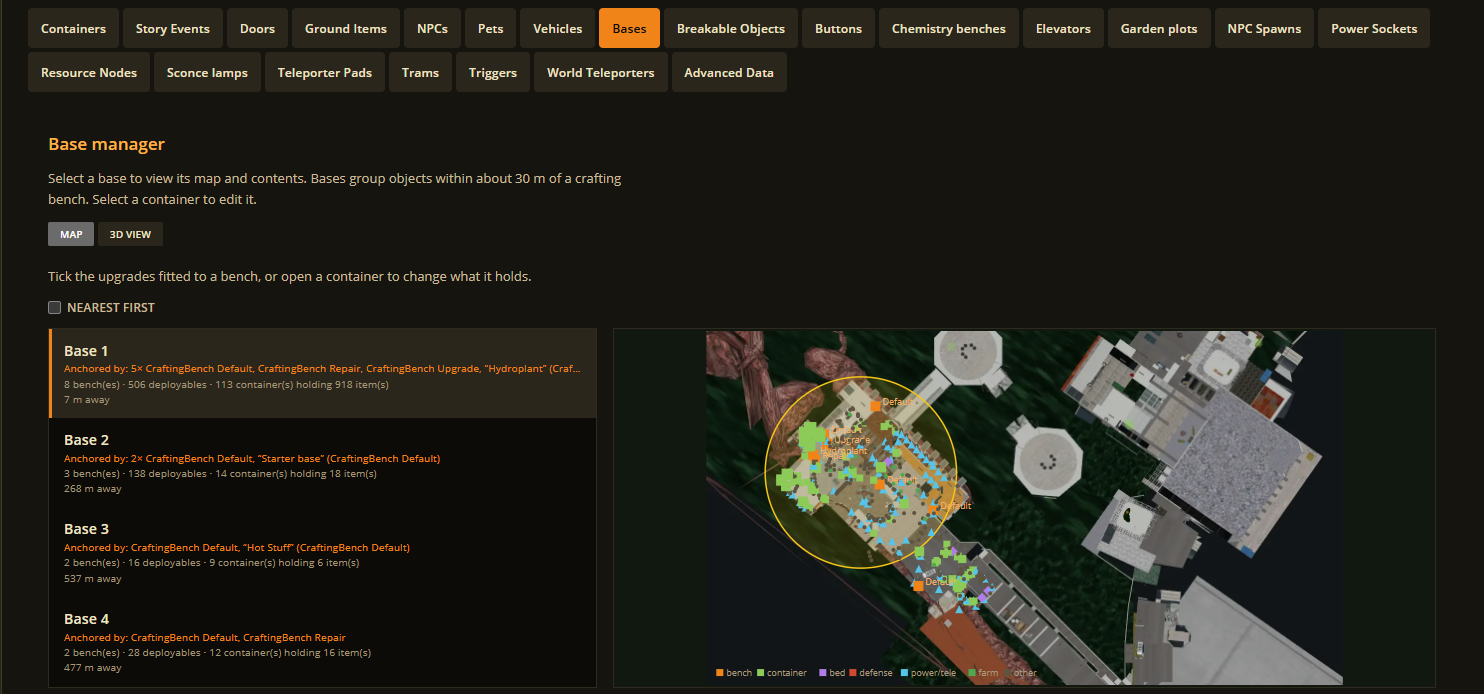
3D view
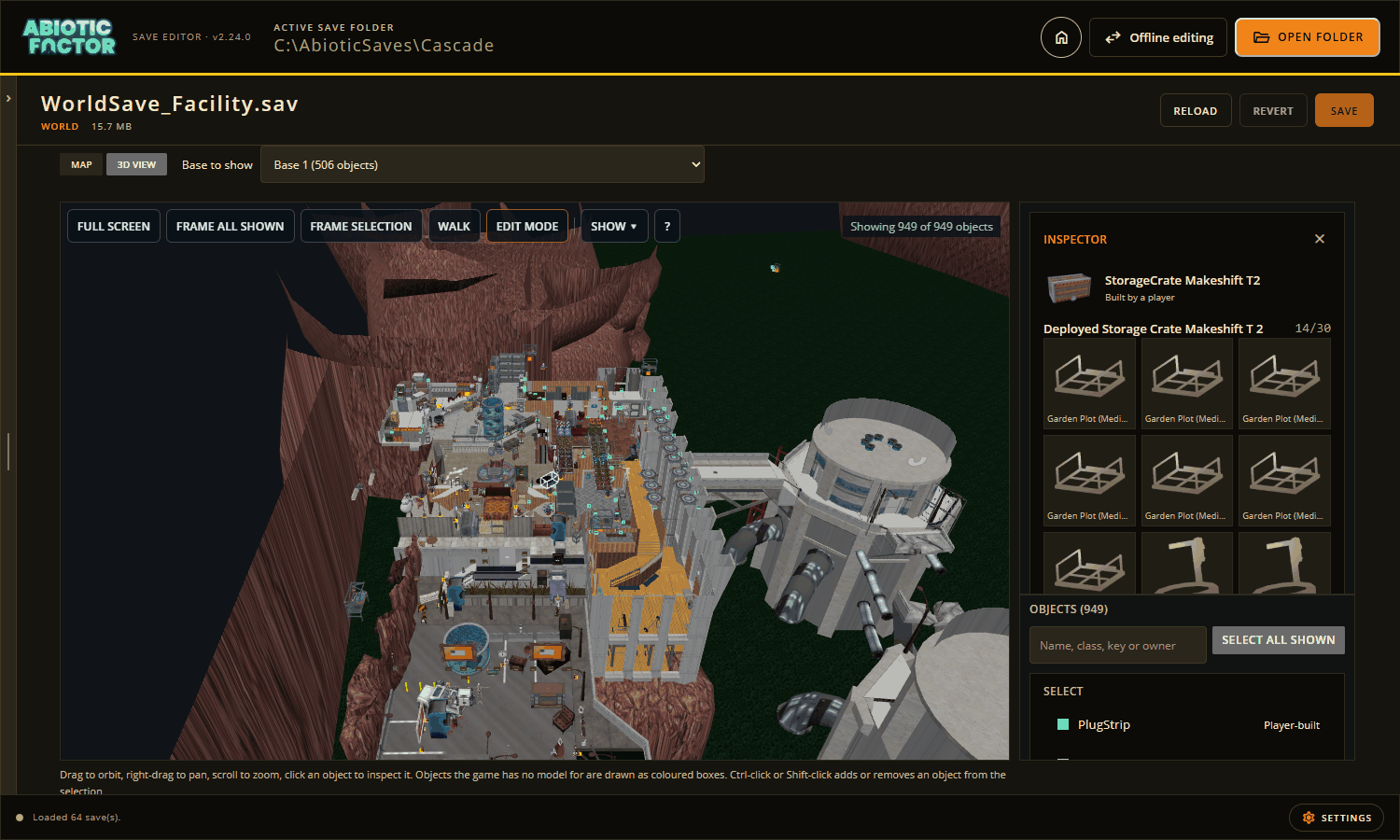
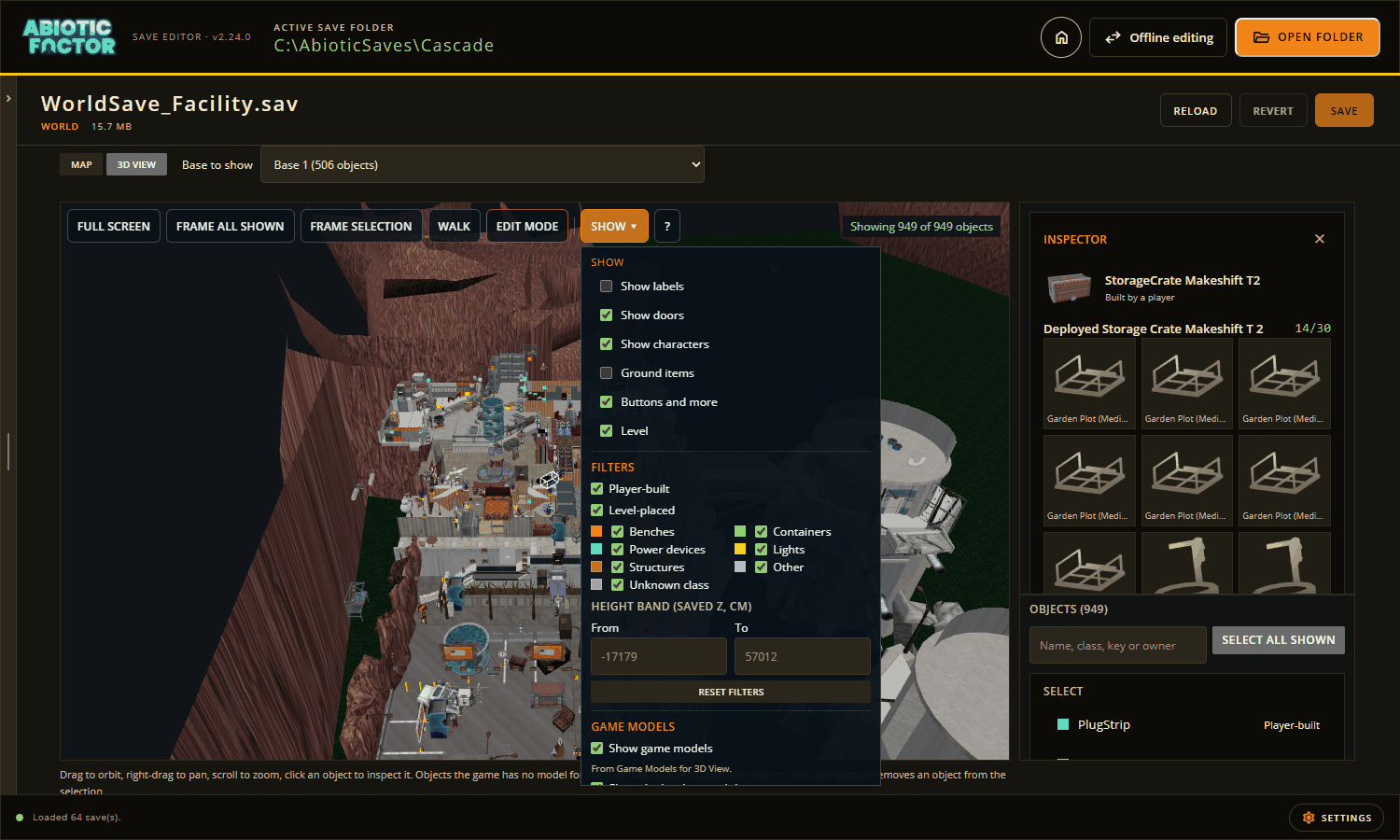
The Show menu
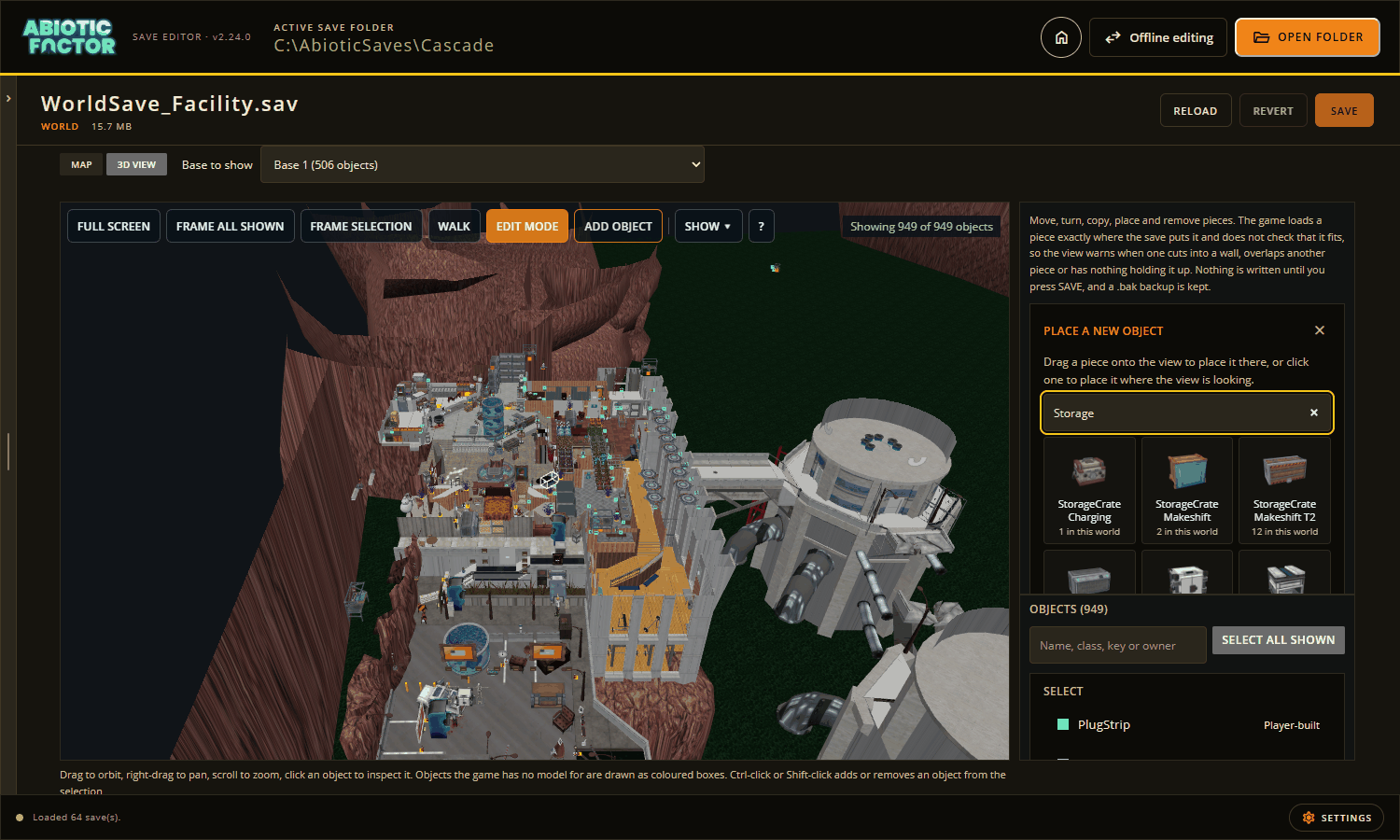
Add object
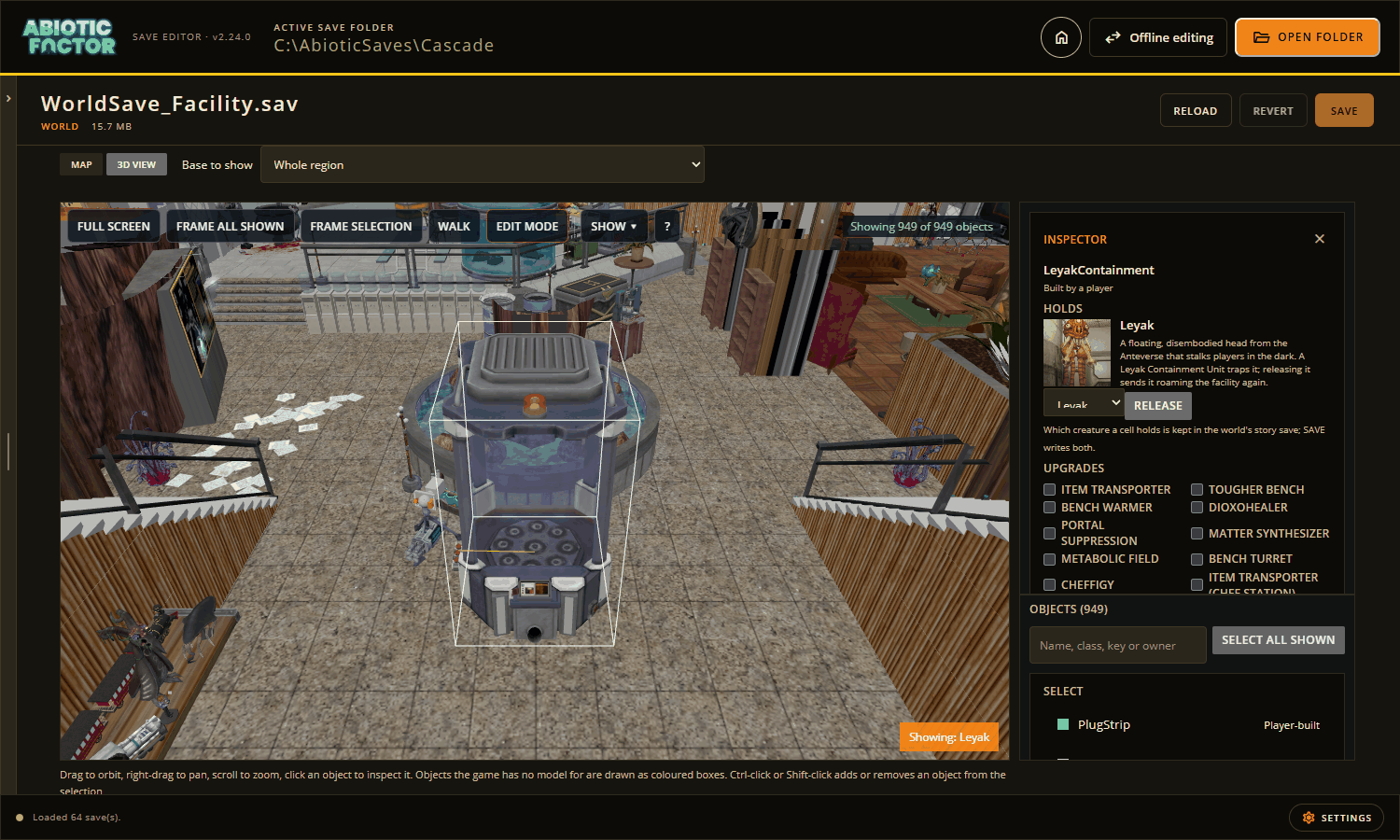
Containment cell
Settings and tools
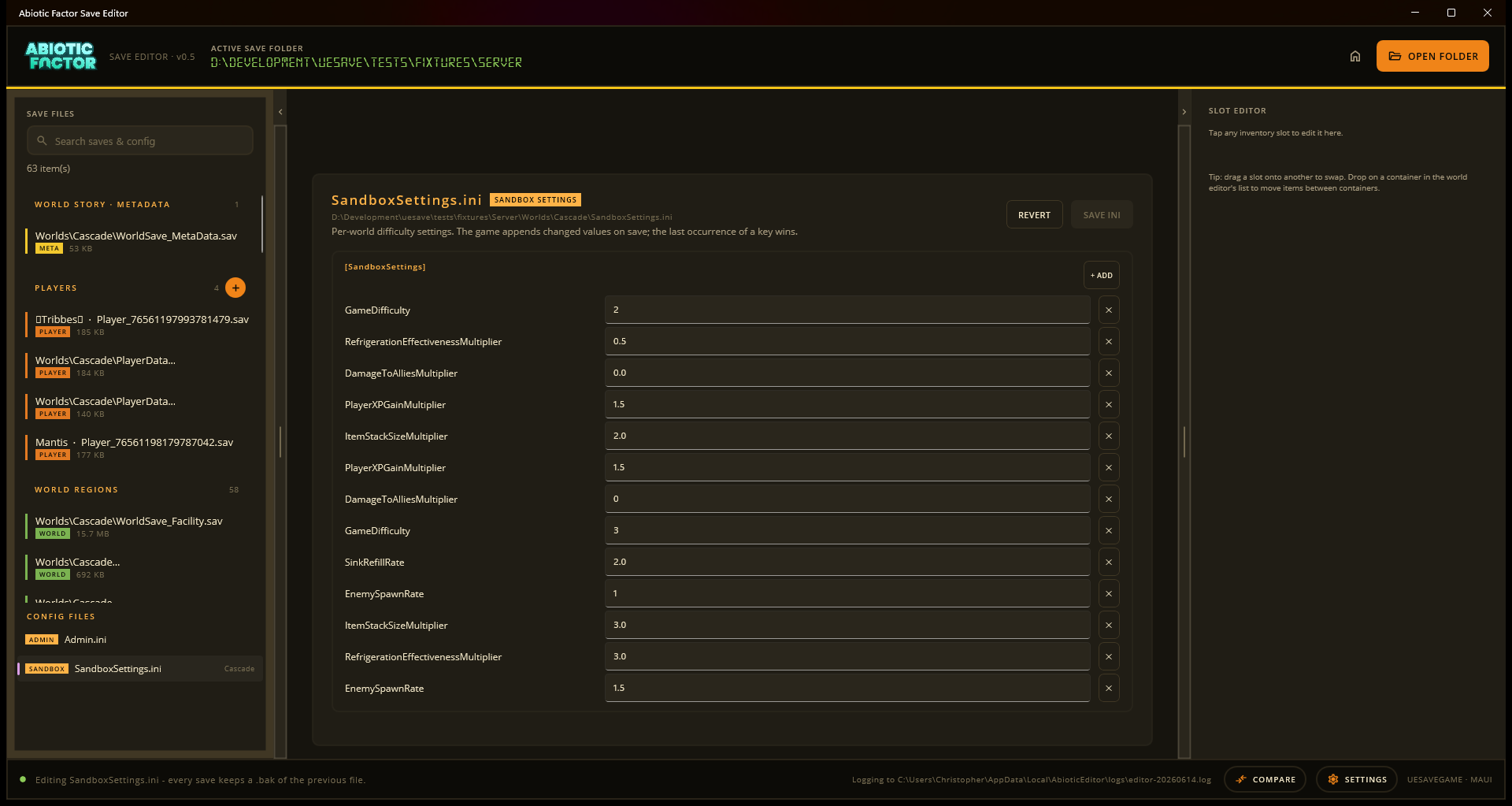
Sandbox settings
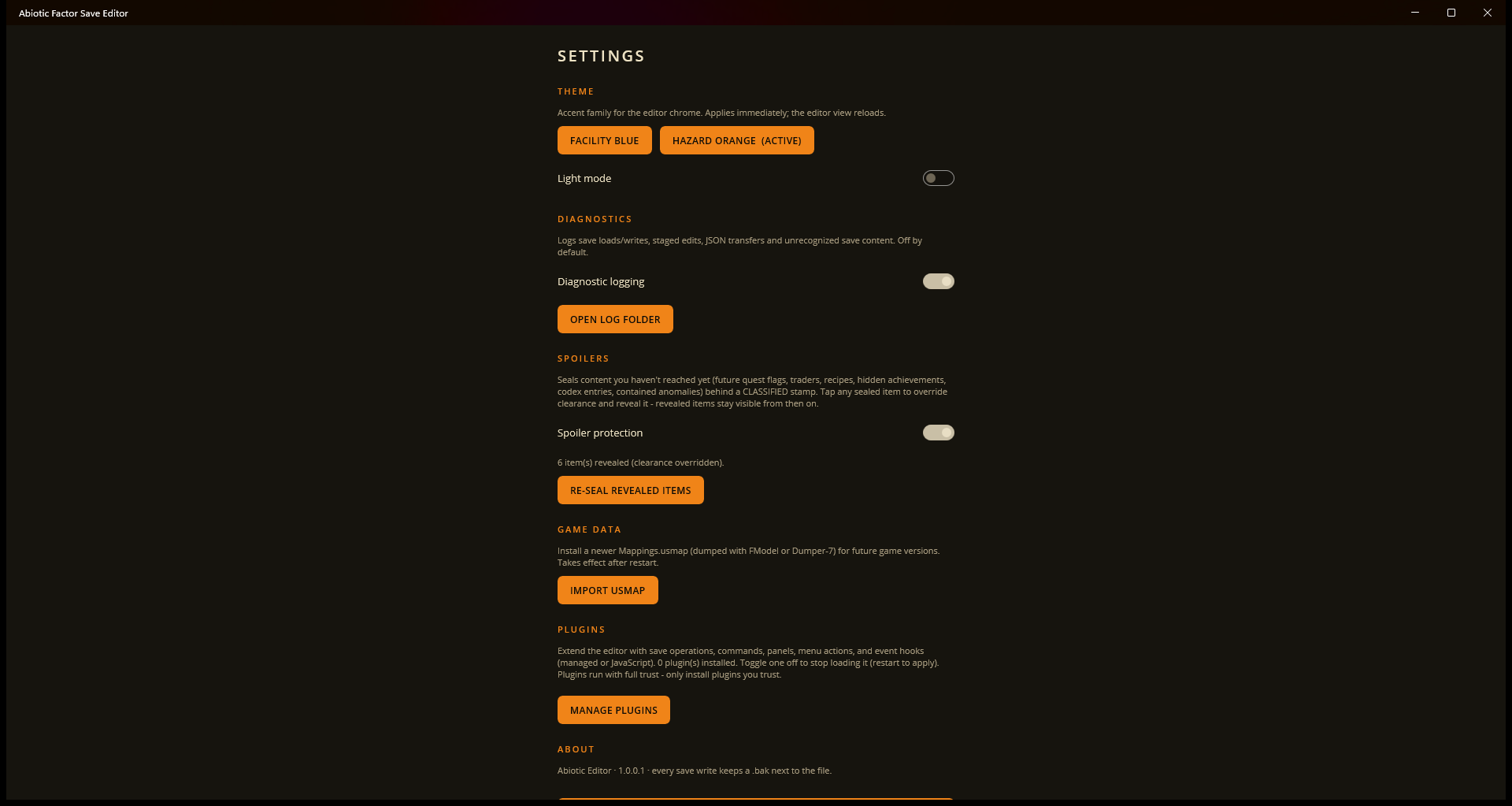
App settings
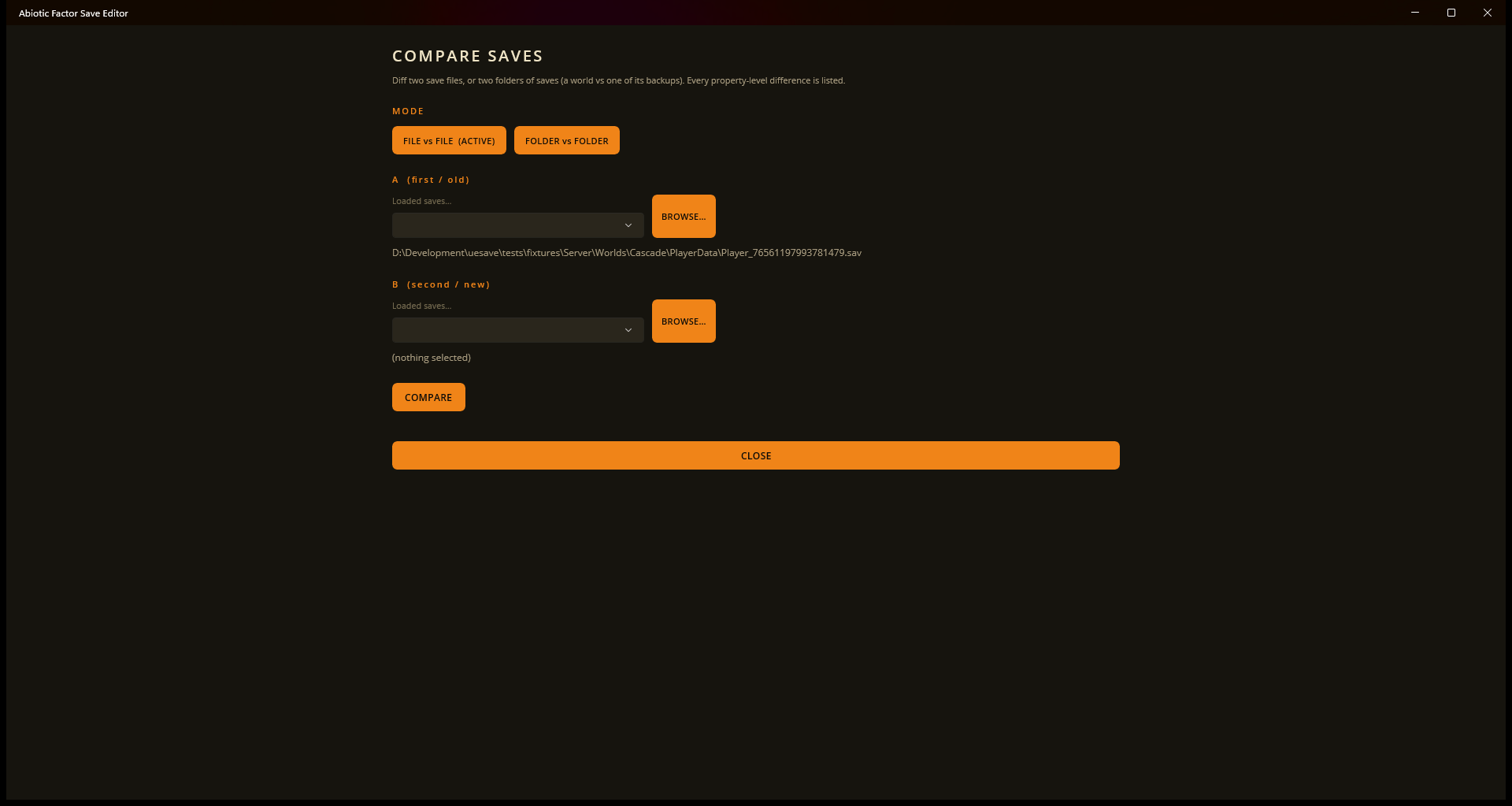
Compare saves
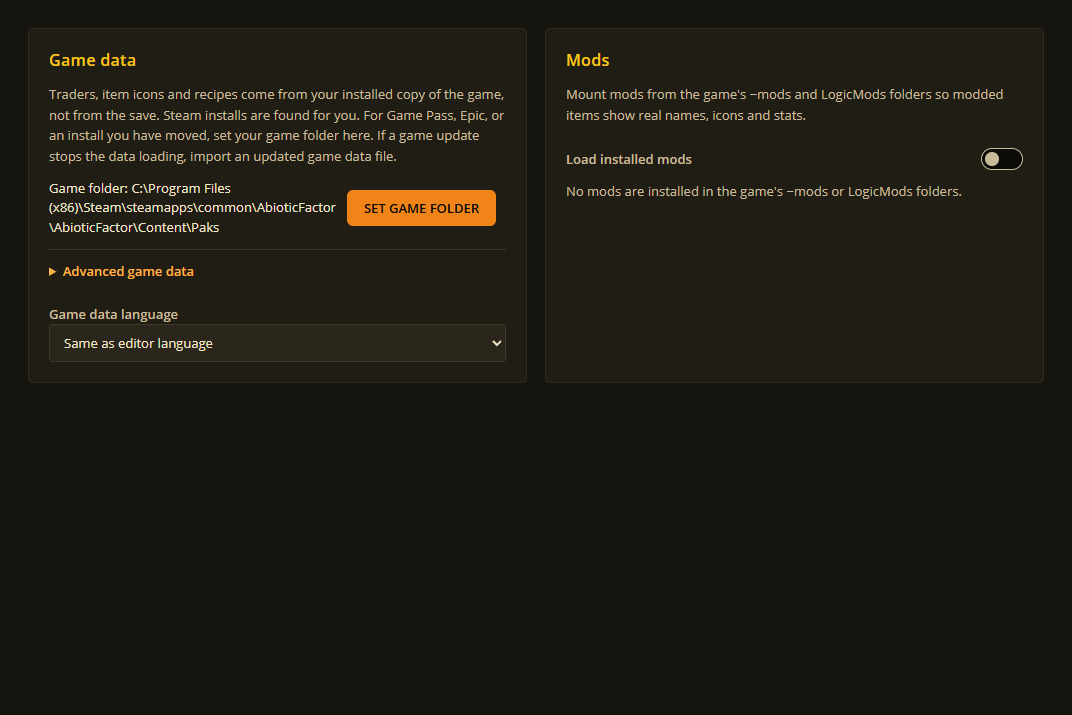
Game data
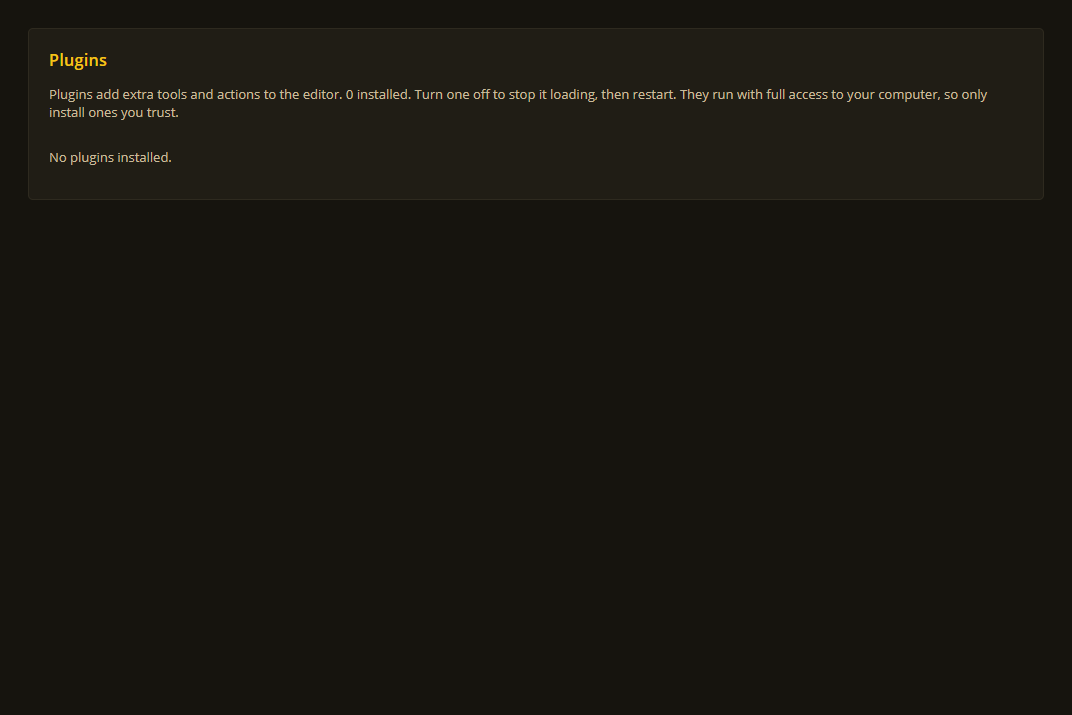
Plugins
Game Pass conversion

Live editing setup
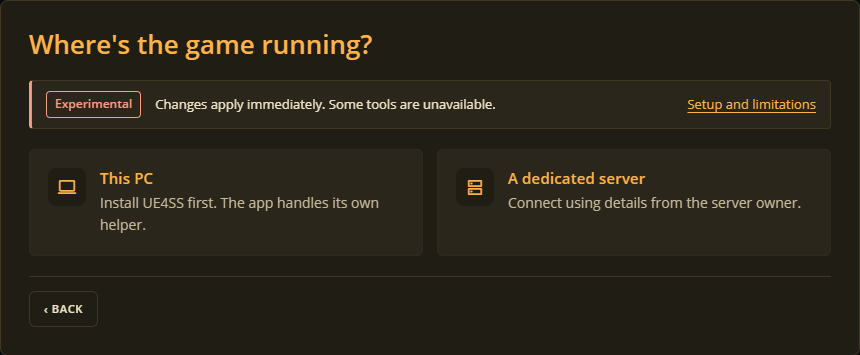
Where the game is running
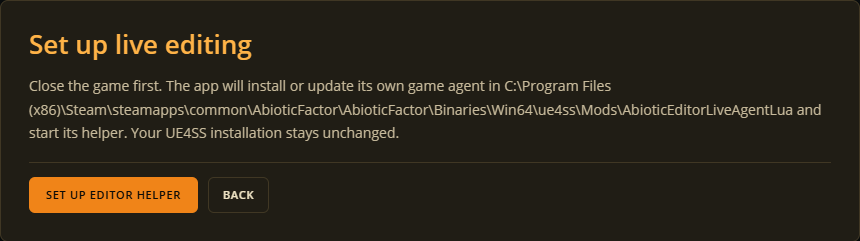
Helper setup
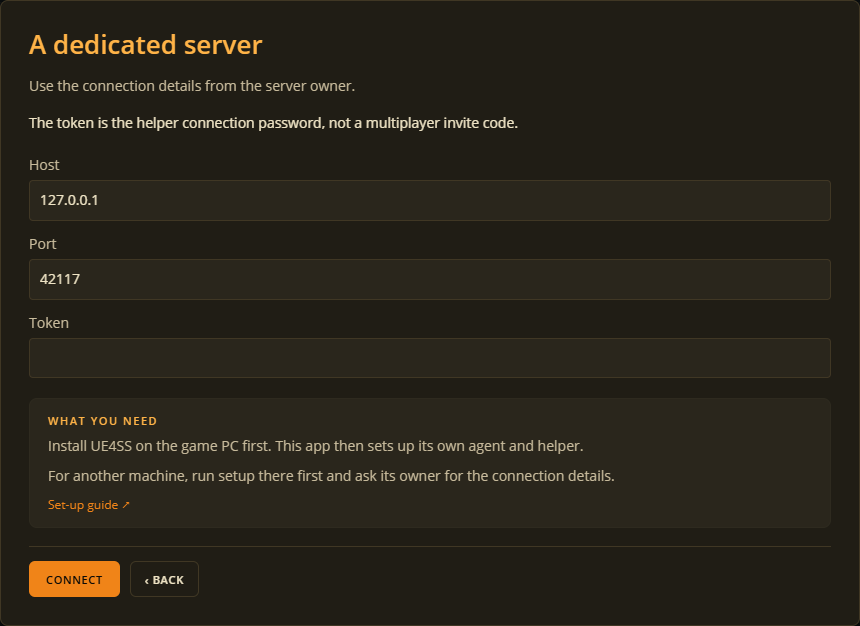
Connecting to a server
See Live editing.