
Command-line tool
abioticeditor is a headless CLI for scripting and server administration. It wraps the same Core library as the desktop app, so it writes the same output the app would. Run abioticeditor --help for the full surface.
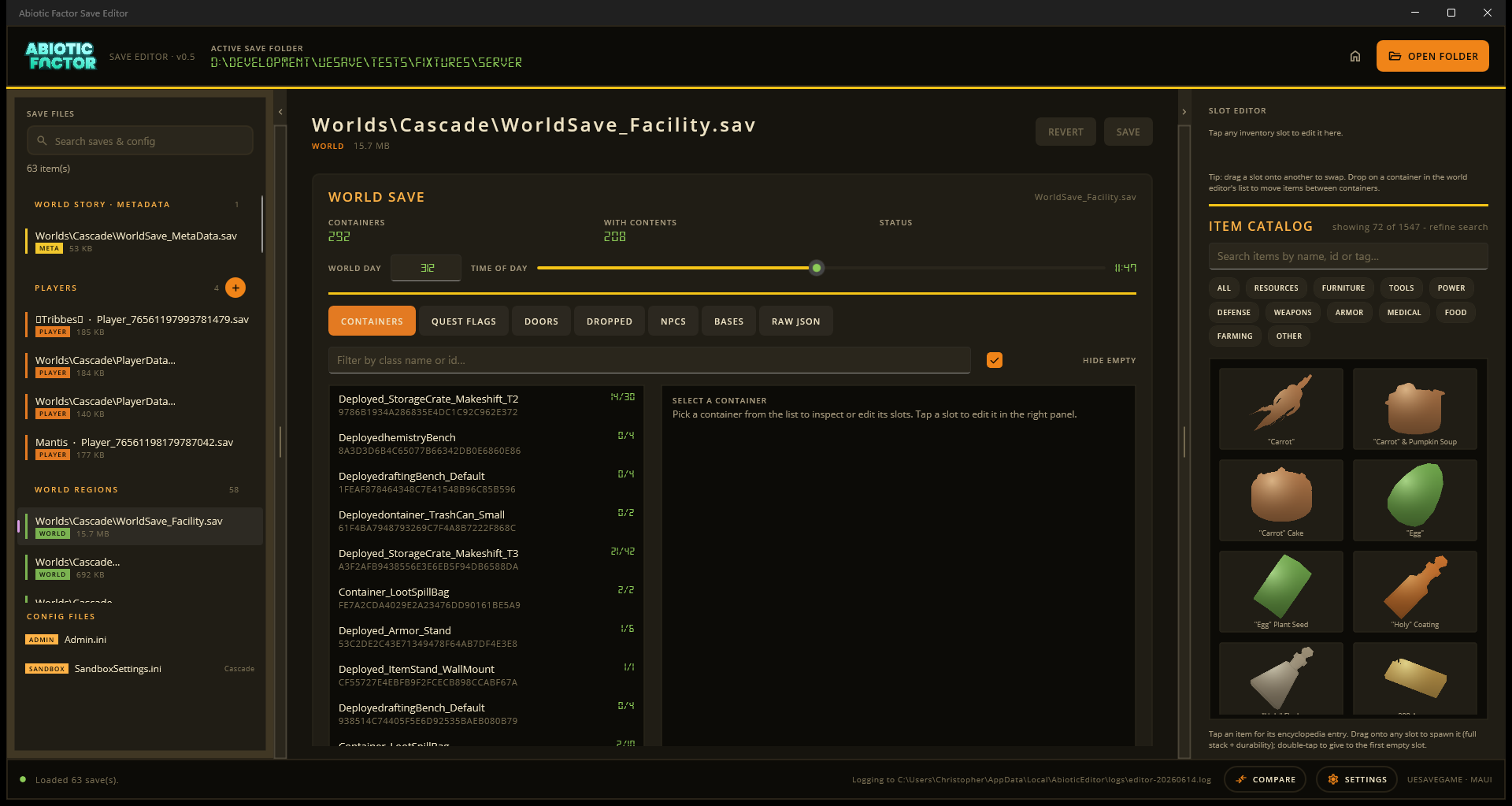
Prefer clicking? The desktop editor also exposes save-editing tools visually. The commands below run in a terminal.
Common commands
abioticeditor discover                           # find every world on this machine (all platforms)
abioticeditor scan <folder>                      # list saves with kind and version
abioticeditor info <save.sav>                    # key facts about one save
abioticeditor export-json <save.sav> -o out.json # lossless JSON dump
abioticeditor import-json <save.sav> in.json     # rebuild the save from JSON
abioticeditor flags list <world.sav>             # quest flags (--filter to narrow)
abioticeditor flags set <world.sav> <flag>       # set a flag (--clear, --force)
abioticeditor world list <world.sav>             # editable world-state maps (elevators, nodes, …)
abioticeditor world show <world.sav> <feature>   # entries + fields for one map
abioticeditor world set <world.sav> <feature> <entry> <field> <value>
abioticeditor compare <a> <b>                    # diff two saves, or two folders of saves
abioticeditor steamid <player.sav> <newid64>     # reassign the owning Steam account
abioticeditor ini list <file.ini>                # sections of an ini file
abioticeditor ini get/set <file.ini> ...         # read or edit ini values
abioticeditor version                            # tool + supported save versions
Exit codes: 0 success, 1 usage or data error, 2 unexpected failure. --json switches discover / scan / info / flags list to machine-readable output.
Linux / Steam Deck (Proton)
discover also finds saves the game keeps inside a Steam Play (Proton) prefix (steamapps/compatdata/.../pfx), across every Steam library including SD cards and Flatpak/Snap installs of Steam. Run it first and copy the printed path into the other commands.
Game Pass / Xbox saves
Game Pass saves are packed into an Xbox container, so they get their own family of verbs: gamepass discover, status, list, repair, extract, import, rename-player, snapshot, compare, to-steam and to-gamepass. They are documented, with the offline routine that keeps a Game Pass edit from being reverted by the cloud, in Game Pass saves.
Maintainer-only commands
A few verbs (dump-registry, download-wiki-images) regenerate data that ships with the editor. You only need them when rebuilding the bundle for a new game build or wiki change. They live in the technical reference: see Maintainer commands.
Plugins from the CLI
abioticeditor plugins list                       # installed plugins + load state + capabilities
abioticeditor plugins info <id>                  # one plugin's details
abioticeditor plugins run <operation> <save>     # run a save operation (keeps a .bak)
abioticeditor plugins run <operation> <save> --param name=value --dry-run
abioticeditor <plugin-command> ...               # plugin console commands are top-level verbs
See Plugins & language packs for installing and running plugins, or the plugin development reference for authoring your own.
Reporting a bug
The CLI shares the app's log folder, %LOCALAPPDATA%\AbioticEditor\logs: errors are always written there, even from the CLI, since there's no Settings toggle to switch on. If a command fails unexpectedly, check the newest editor-YYYYMMDD.log there and attach it to your report. See Reporting a bug for the full checklist (editor version, platform, save source) and where to send it.
Updating
abioticeditor update                 # check, and install if newer
abioticeditor update check [--json]  # report only
abioticeditor update install [-y]    # install (use --pre for pre-releases)
The CLI honours GITHUB_TOKEN to lift the unauthenticated GitHub rate limit. It downloads the cli asset matching your OS/arch and replaces the running install in place.