
Plugins and language packs
Plugins are community-made add-ons for Abiotic Editor. They can add a one-click save tool, a repair for a game update, a small editor panel, or another language. Think of them as approved lab equipment: useful when you know its source.
Only install plugins you trust
A plugin has the same access to your computer as the editor. The editor cannot safely contain a malicious add-on. Get plugins from authors you trust, keep a backup of anything important, and read what a plugin says it will do. Plugin saves still create a .bak backup.
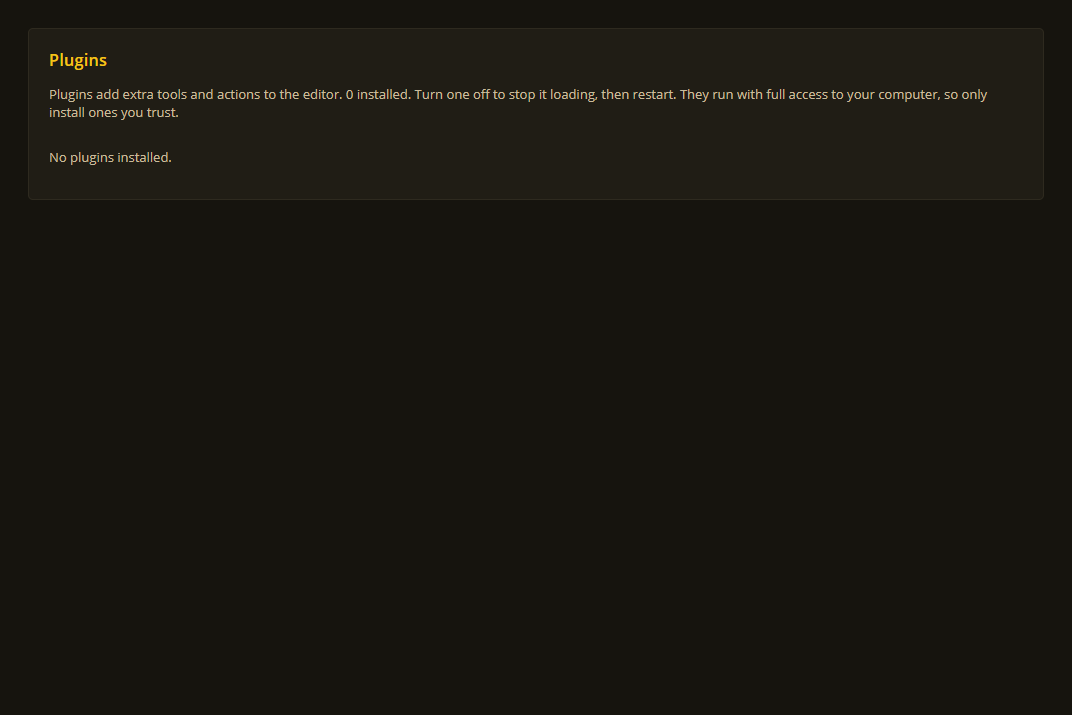
Settings > Plugins lists installed add-ons. This example has none installed.
Install an add-on
- Download and unzip the plugin folder. It must contain
plugin.jsonalongside its files. - Move that whole folder to
%LOCALAPPDATA%\AbioticEditor\plugins\<plugin-folder>\. - Restart Abiotic Editor.
Plugins kept there survive editor updates.
The 3D view is built in
The 3D view and its game models come with the desktop app. There is nothing extra to download. See Bases and the 3D view.
If you installed the separate Game Models plugin with an older version, you can delete its GameModels3D folder from Settings ▸ Plugins ▸ OPEN PLUGINS FOLDER. The editor uses its own newer copy either way.
Use and manage plugins
Open Settings ▸ Plugins. You can see each plugin's name, author, source, and whether it loaded. From there you can enable or disable it, run its save operation against the open save, or open a panel it provides.
Use disable if an add-on causes trouble, then restart the editor. A disabled plugin remains listed but does not run.
Change the editor language
The editor comes in English, German, Spanish, French and Russian. Pick one in Settings ▸ General ▸ Language. Item and story names follow the game's own translations.
For other languages, language packs install exactly like other plugins. Put the whole pack folder in the plugins folder, restart the editor, then pick it in Settings ▸ General ▸ Language. A pack can translate all or part of the editor. Missing text stays in English.
Command-line tools
Most players do not need this section. If you use the command line, these commands let you inspect or safely preview plugin operations:
abioticeditor plugins list
abioticeditor plugins info <id>
abioticeditor plugins run <operation> <save> --dry-run
abioticeditor plugins run <operation> <save>
--dry-run previews an operation without saving. A real operation creates a .bak backup first.
Want to make a plugin or translation? The technical plugin guides and localization reference are the right starting point.